People and the org chart
Find anyone, read the org chart, see who knows whom, and keep the directory right.
Everyone using Shuffl, with an administrator section
Read as MarkdownAll guides as textAgent documentation index
Have your agent do thisPaste the prompt into Claude Code, Cursor or another agent. It follows this guide over MCP and asks before it changes anything others will see.Show the promptHide the prompt
Help me with "People and the org chart" in my Shuffl workspace.

1. Read the guide: https://shuffl-rebuild.vercel.app/docs/markdown/people
2. Add Shuffl's MCP server: https://shuffl-rebuild.vercel.app/api/mcp
   Claude Code: claude mcp add --transport http shuffl https://shuffl-rebuild.vercel.app/api/mcp
   When the browser opens, choose my workspace and allow the access the guide needs.
3. Work through the steps in order: Fill in reporting lines; Keep the directory right. Do what you can over MCP and tell me which steps only I can do in the browser or in Slack.

Show me what you will change and who it affects, and wait for my yes before publishing, inviting or sending anything.
App links open your signed-in workspace. Check the selected workspace before making changes.
Find a person
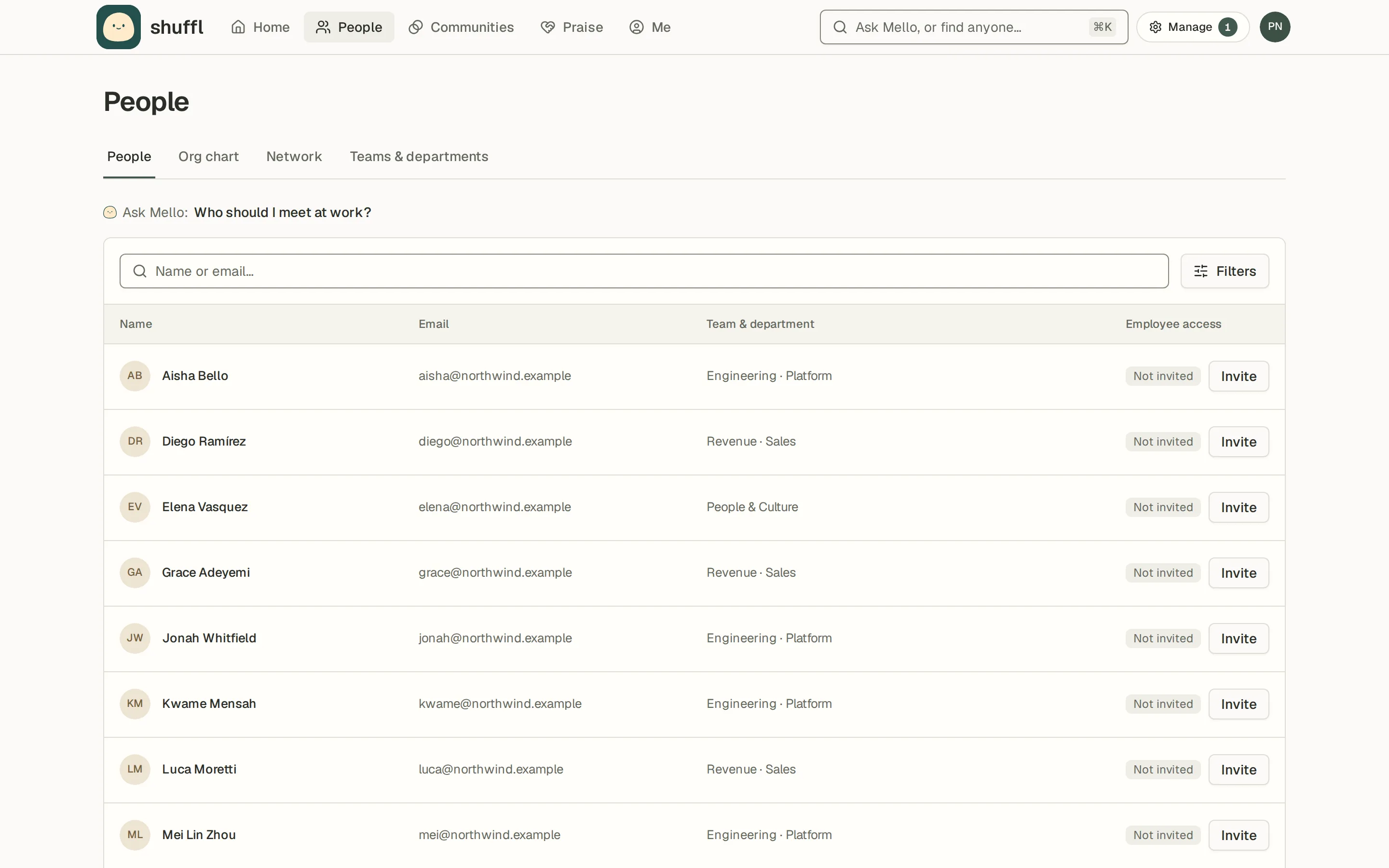
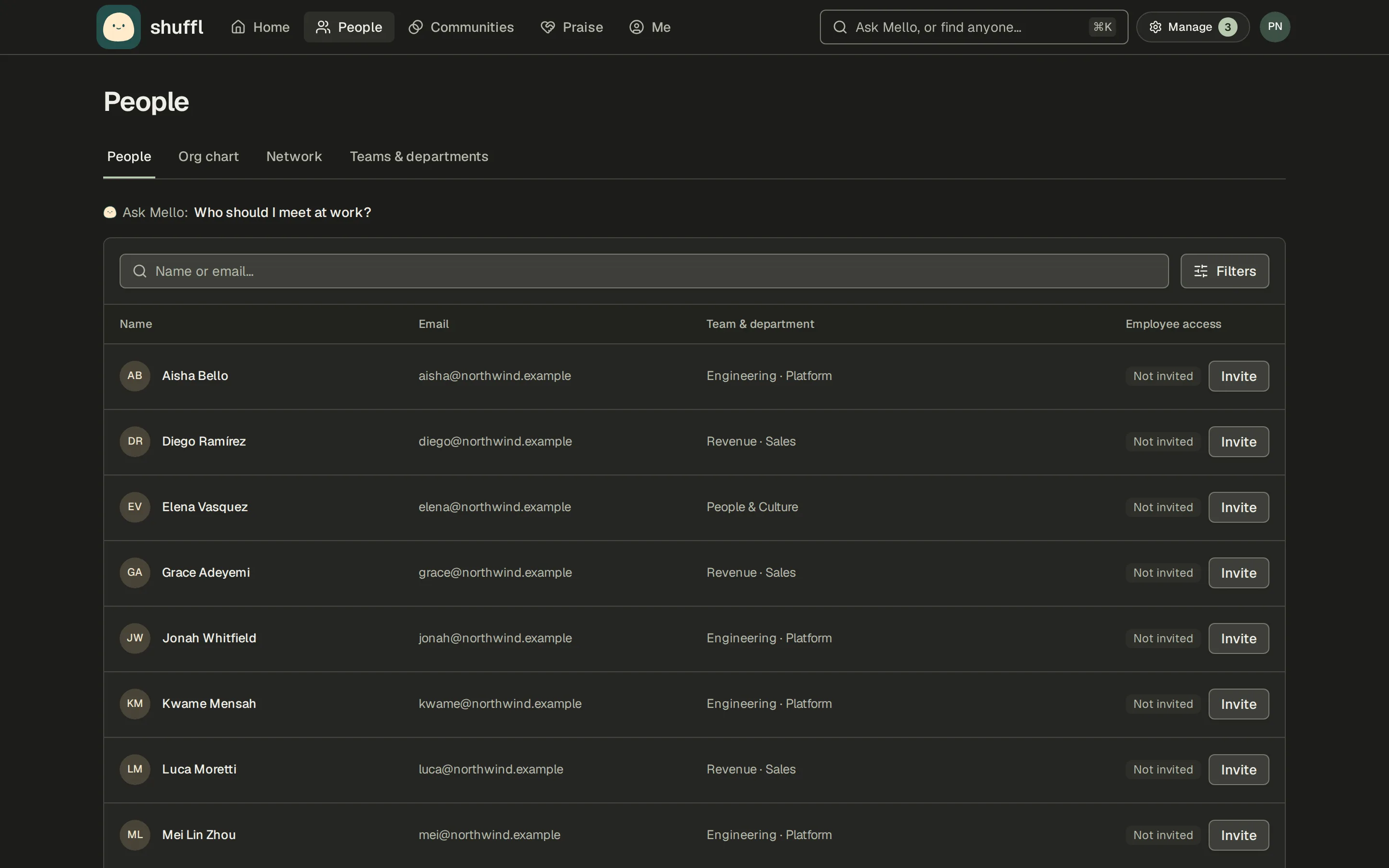
People lists everyone in the workspace. Search by name or email, or open Filters to narrow by workspace role, manager, department, job title, location, time zone or whether they have app or Slack access. Choose a person to open their profile.
You can ask Mello the same things: who runs a team, who reports to someone, when a person started or what time it is where they are. Mello also answers who knows about something, such as "who should I talk to about SCIM?", from what people share on their profiles, and offers Introduce me to draft a Slack message.
Org chart, teams and your network
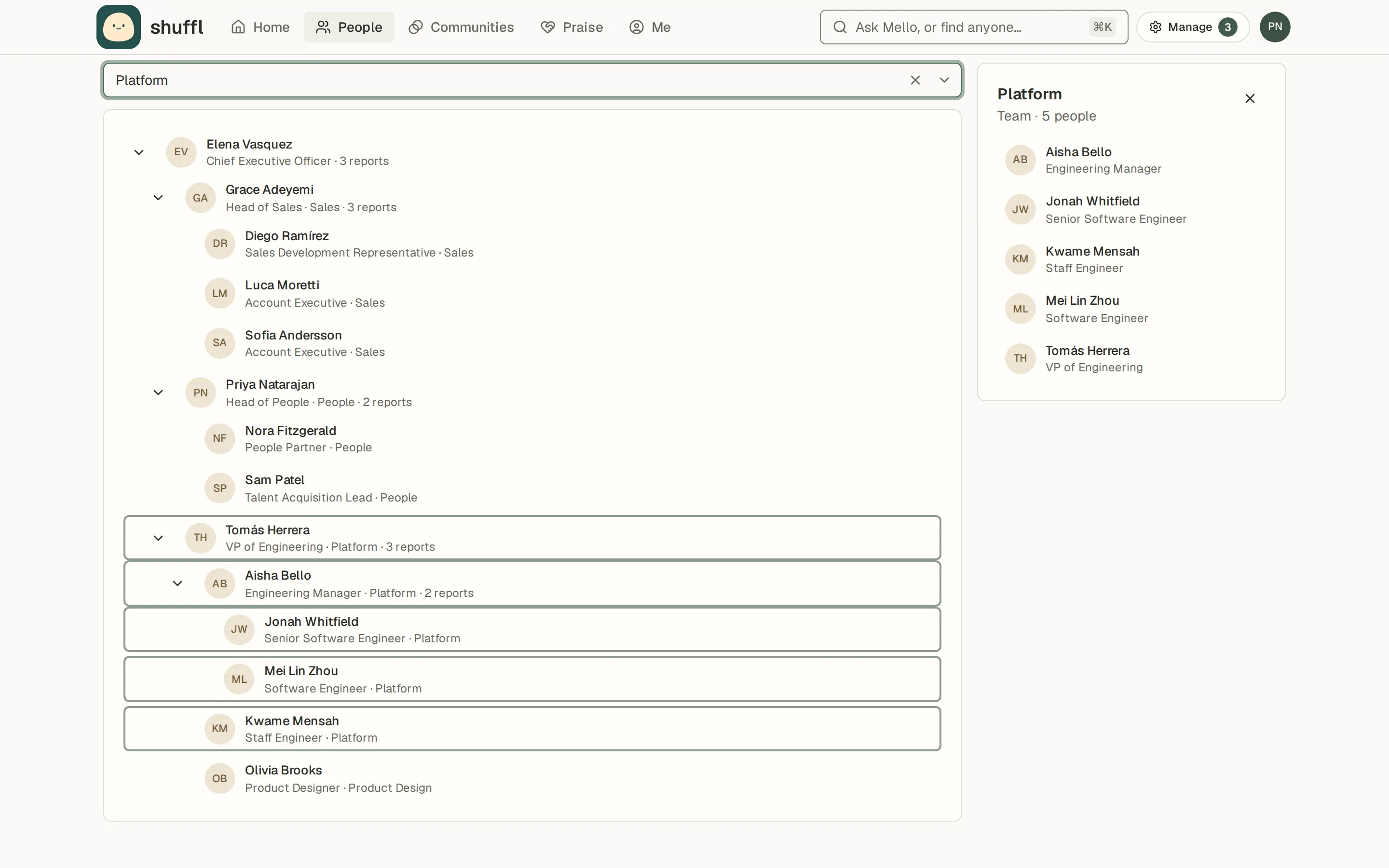
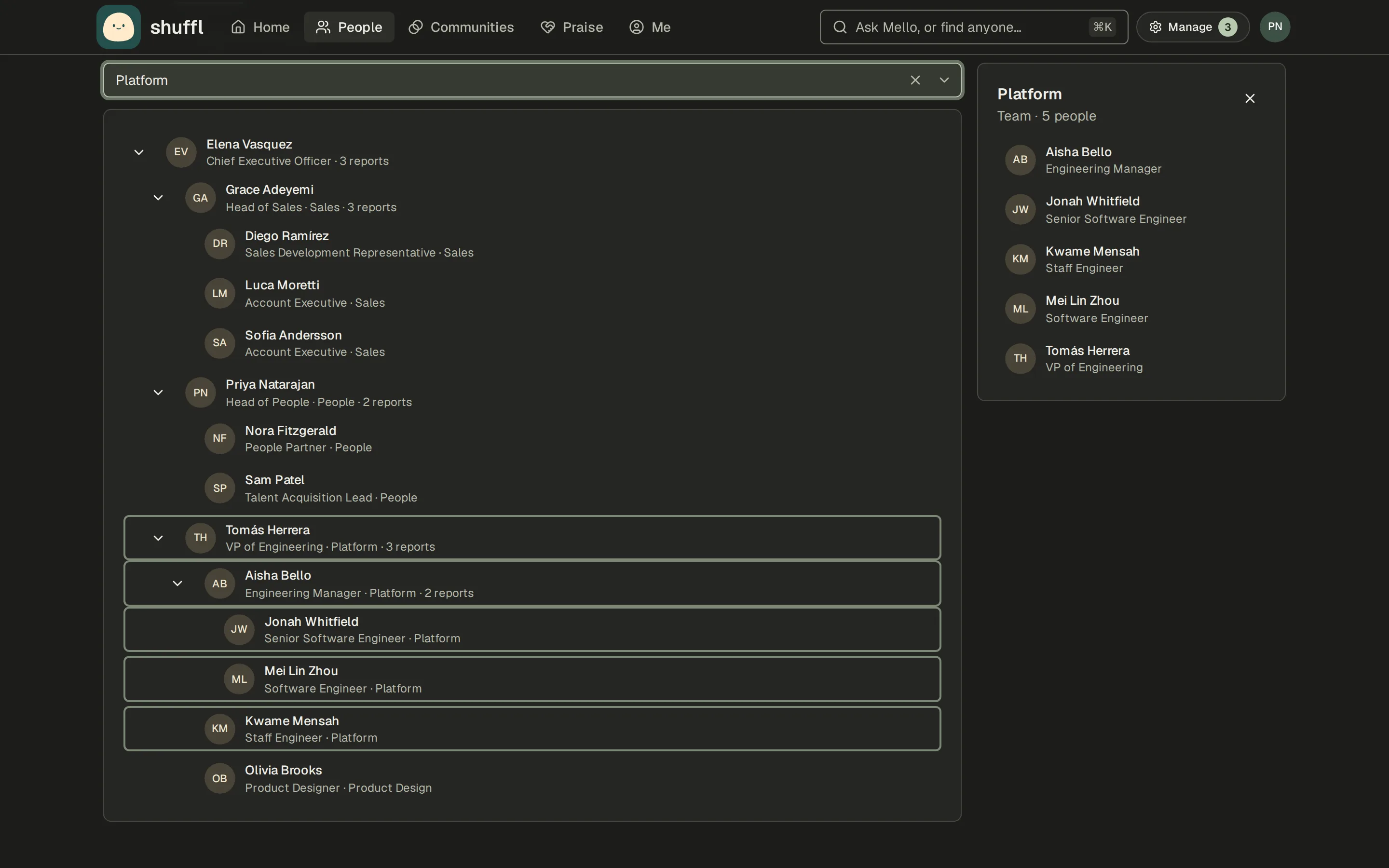
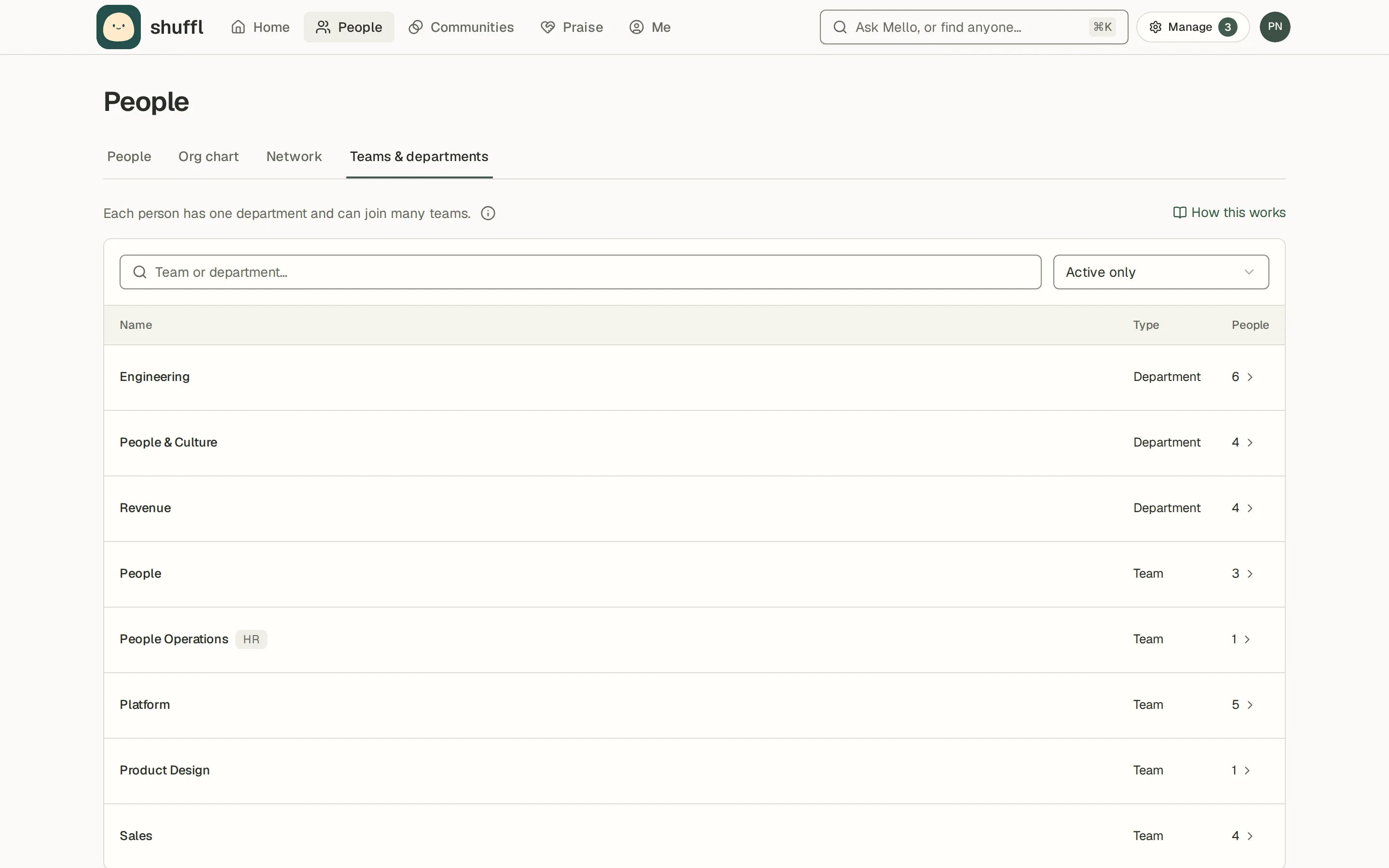
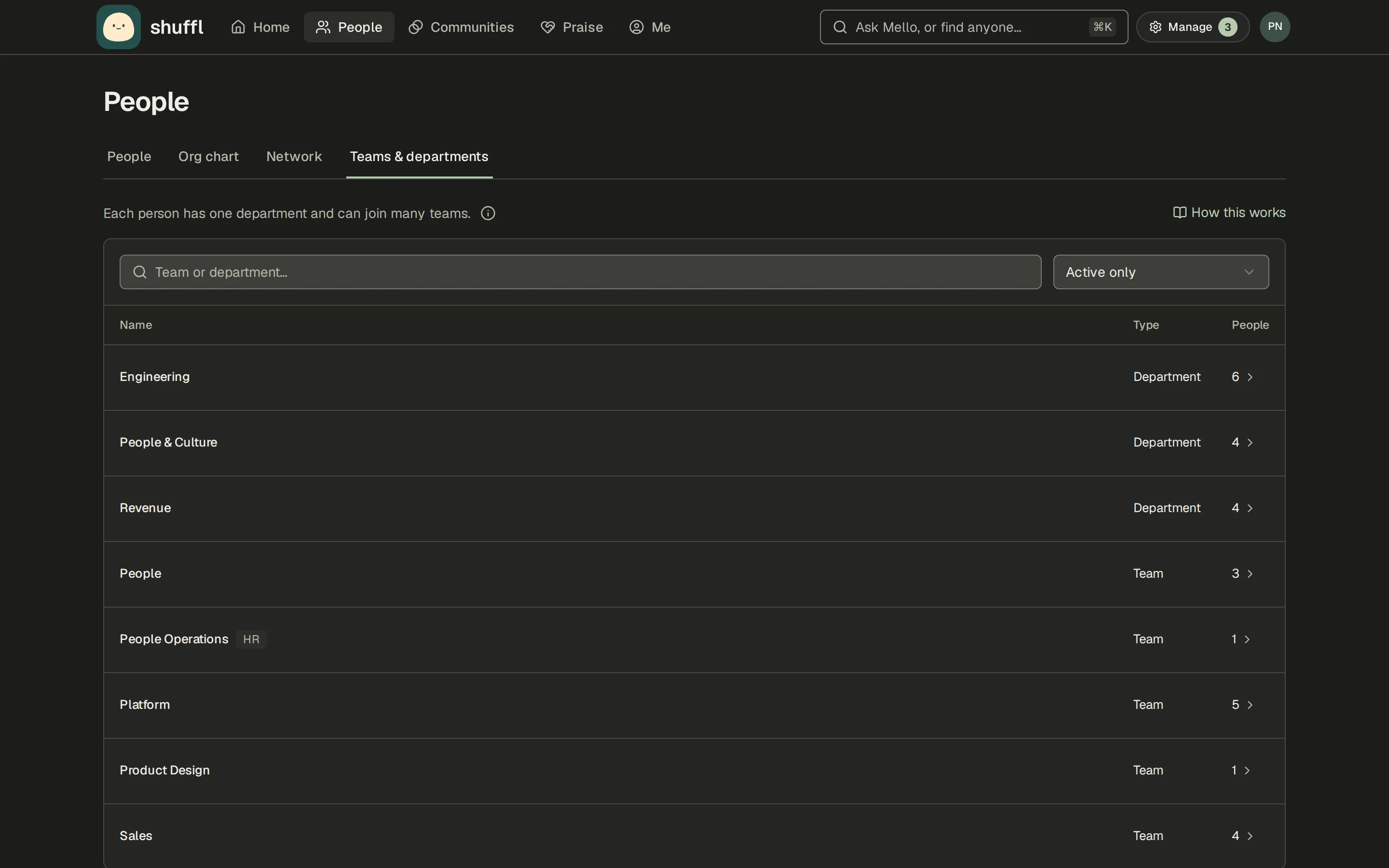
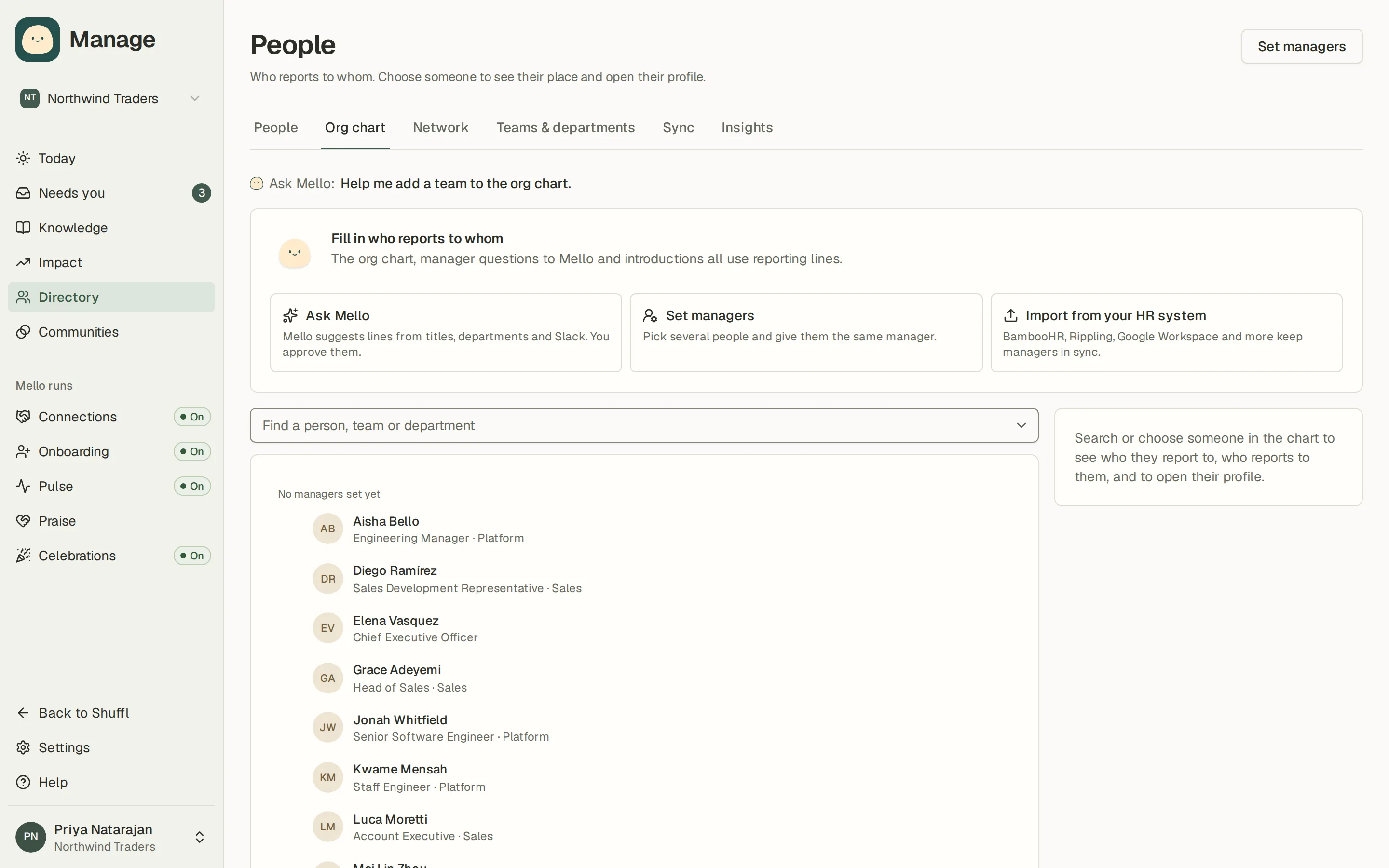
Org chart draws who reports to whom from the manager field in People. Find a person, team or department highlights the match and shows their reports and manager beside the chart. Teams & departments lists each department with its teams and how many people are in each; a row opens People filtered to it.
Network shows You should meet, people Mello thinks you would benefit from knowing, and People you know, built from the I know them notes on profiles and the introductions you have had.
Fill in reporting lines
- Ask Mello reads job titles, departments and Slack and proposes who reports to whom, with a reason for each line. Nothing changes until you approve. Untick any line that looks wrong, then choose Approve, or Dismiss proposal.
- Set managers gives several people the same manager at once. Tick the people, pick their manager and save. The same button sits at the top of the Org chart tab.
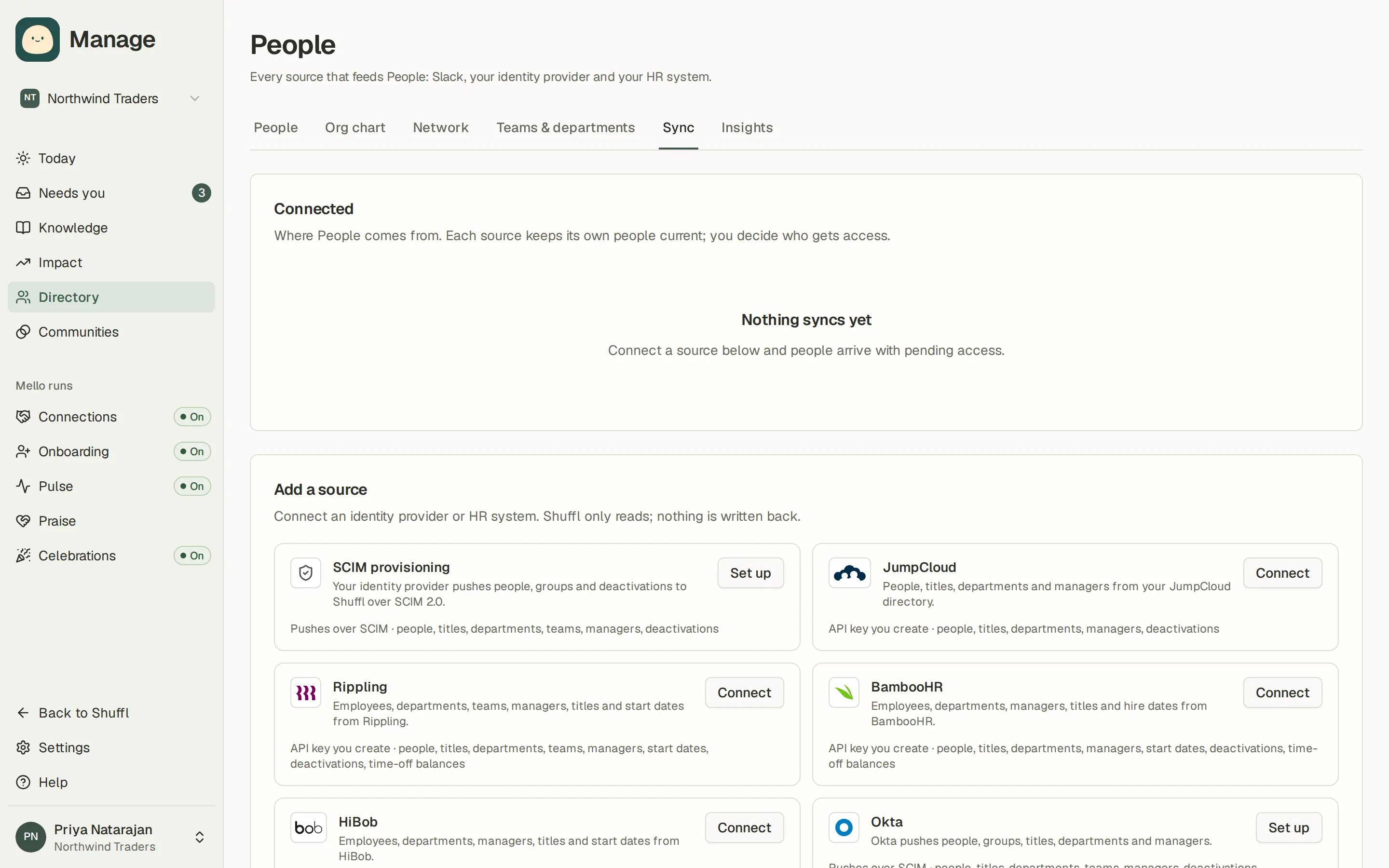
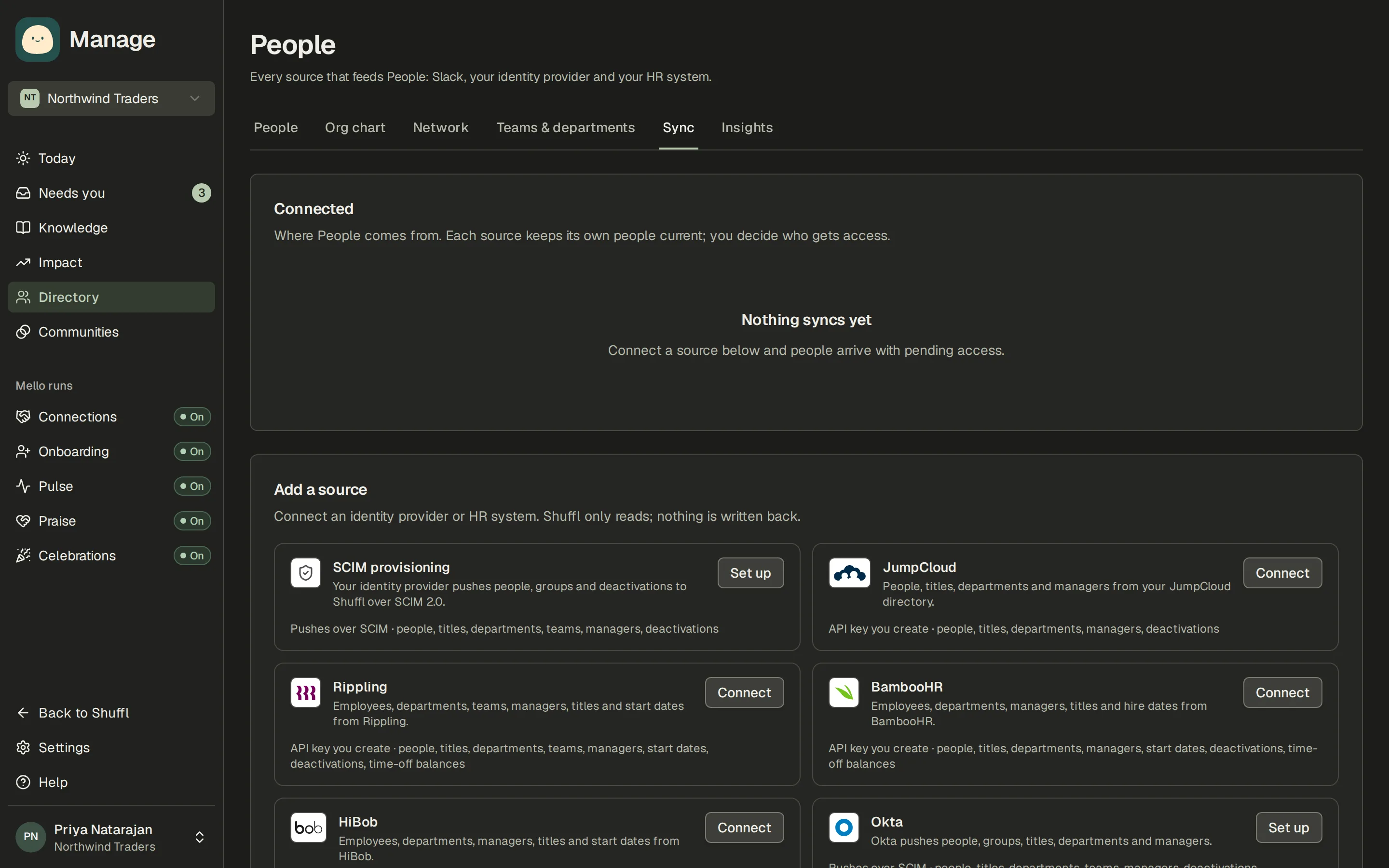
- Import from your HR system opens Sync, so BambooHR, Rippling, Google Workspace and the other sources keep managers up to date.
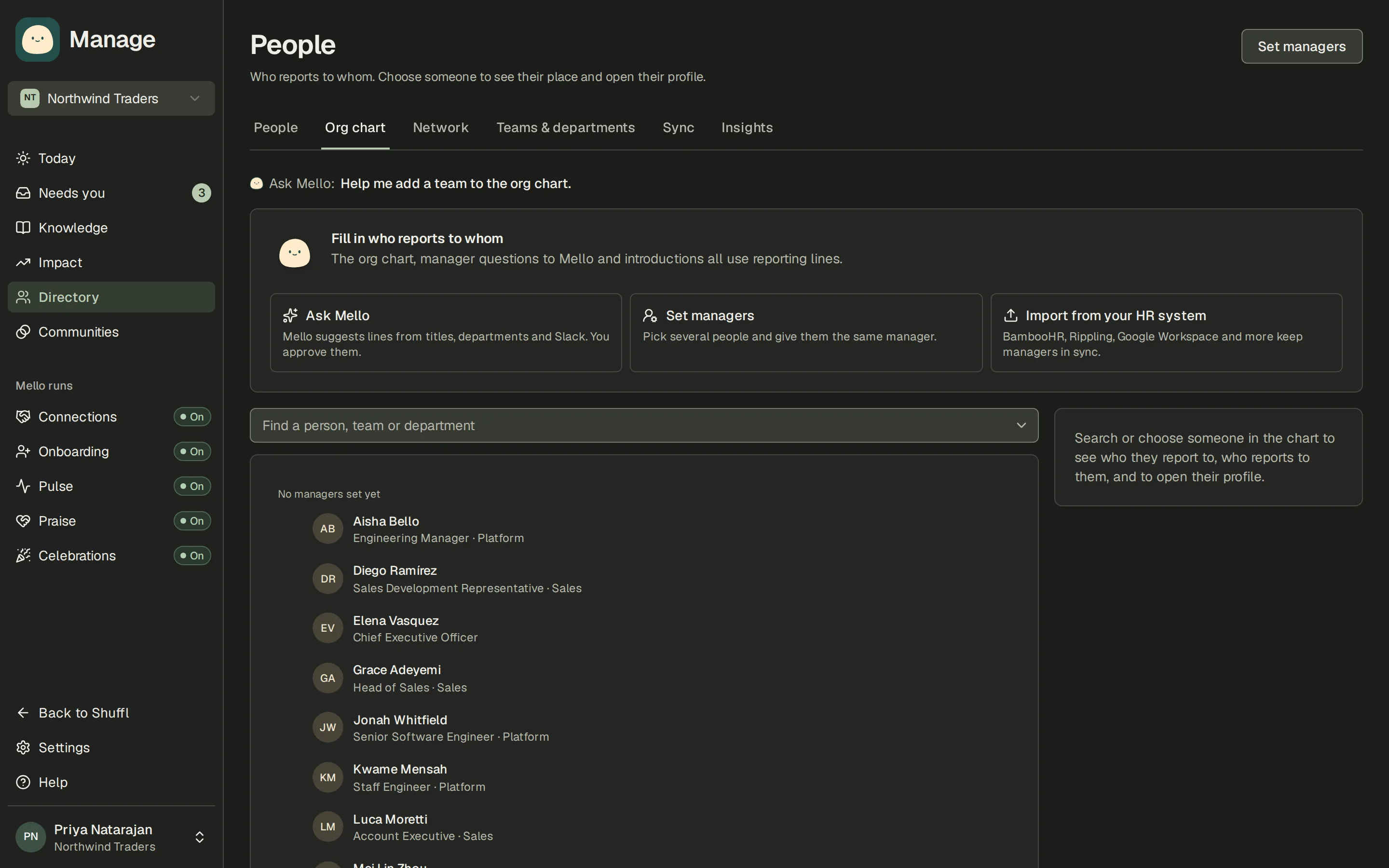
The org chart, questions to Mello about managers and introductions all use reporting lines. In Manage, open People, then Org chart. While more than one person has no manager, a panel above the chart says Fill in who reports to whom when nobody has one yet, or how many people have no manager, with three ways to fill it in.
Keep the directory right
- In Manage, open People. Invite sends an invitation by email; Add person creates a record by hand with a name, email, department, teams, manager, title, employment type, start date and time zone.
- Choose a row to open the Person details sheet. Directory details holds the fields above. Employment type (Full-time, Part-time, Contractor, Intern or Temporary) lets Mello answer with the policy that applies to that person; Roles turns on HR responder or Knowledge verifier; Connected accounts shows the Slack and app accounts linked to the person; Employment and access enables or suspends access and records when employment ends; Onboarding starts onboarding from the sheet.
- Teams & departments in Manage has Add team or department. Start dates matter: they drive work anniversaries, New hires on Home and onboarding messages.
- Insights counts people, who joined and who was marked as left by week, how complete the directory is, and how many people hold each role.
Sync People from your HR system
Sync keeps People in step with the system you already maintain. Google Workspace, JumpCloud, BambooHR, Rippling, HiBob, Personio, Deel and Workday bring in people, titles, departments and managers; the HR systems also bring start dates. Rippling, BambooHR, HiBob and Deel let Mello read a person’s own time-off balances when they ask. Slack is a source too: names, emails and deactivations follow it.
Google Workspace requires a separate administrator authorization for read-only directory access. Disconnect stops sync and removes Shuffl’s stored credential; imported employee records remain and are no longer managed by that source. Remove any remaining Google authorization in Google Account settings.
A provider that Shuffl does not list yet can be requested from the same tab. SCIM provisioning from an identity provider is covered under employee access.