
Impact and the HR digest
See what Mello handled, how much time it saved, and get the numbers by email or Slack on a schedule.
Workspace administrators and HR responders
Read as MarkdownAll guides as textAgent documentation index
App links open your signed-in workspace. Check the selected workspace before making changes.
Today
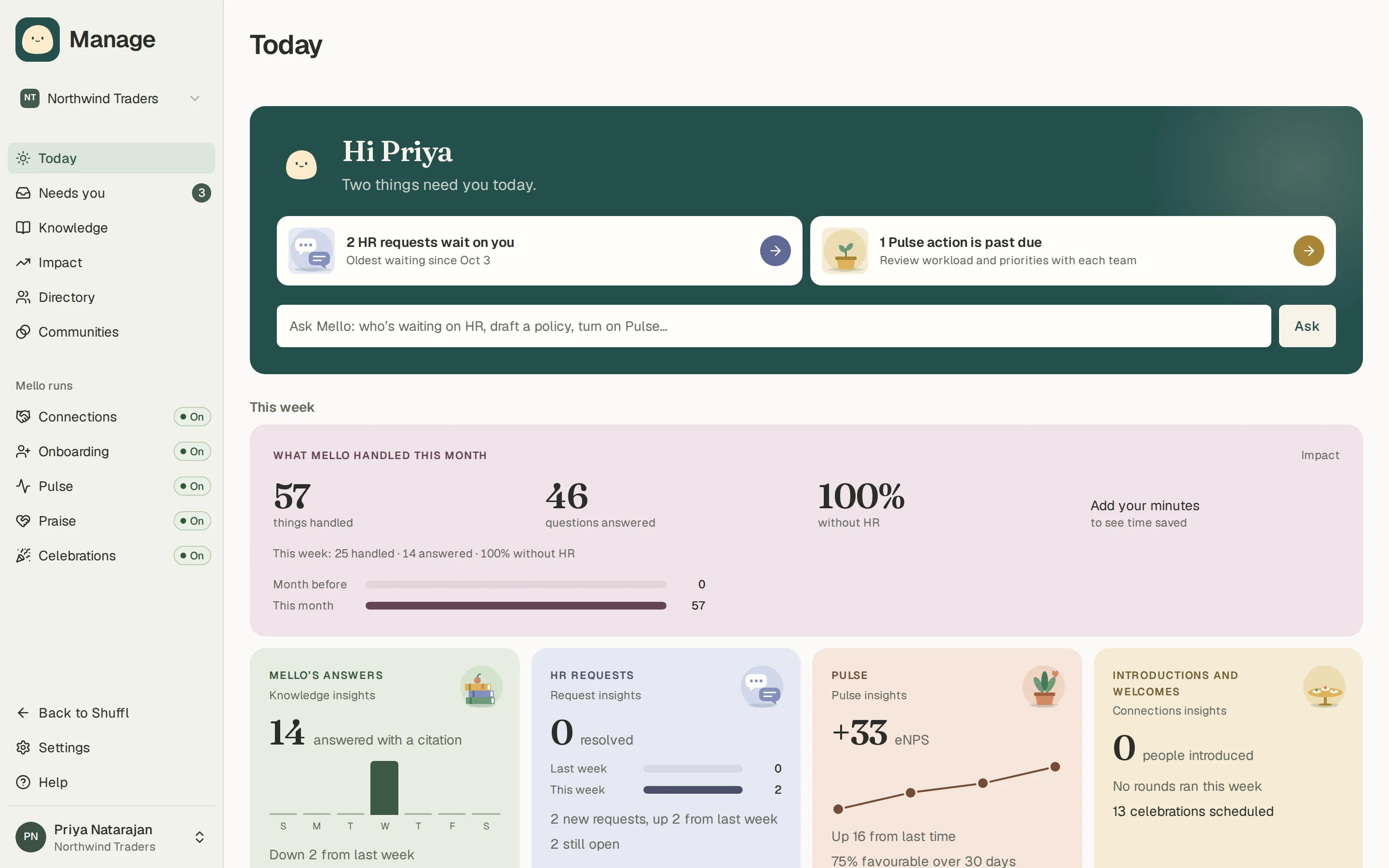
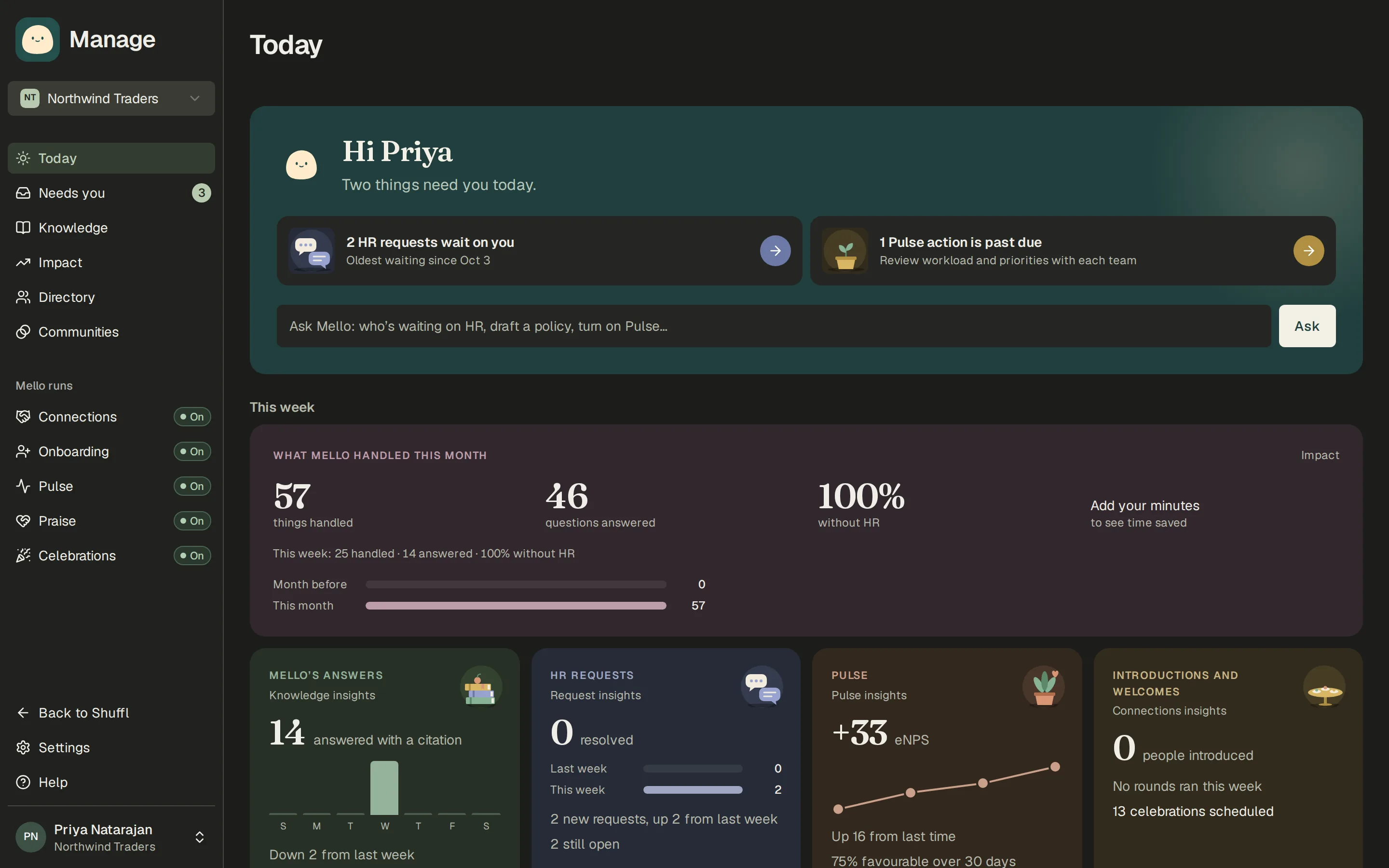
Manage opens on Today. Mello’s panel at the top lists what needs you: HR requests waiting on you, Knowledge drafts to review, sources that need a re-check and Pulse actions past due. When nothing is waiting it says you’re caught up. Ask Mello in the same panel takes questions such as who is waiting on HR or how to aim a Pulse question. Below are this week’s numbers with small charts for Mello’s answers, HR requests, Pulse and introductions, and a proposal from Mello for the next program to turn on.
Until something is published, Today leads with adding your handbook, shows the week as one line, and holds back the post that tells your team what to ask, since it promises answers from approved policies.
What Mello handled
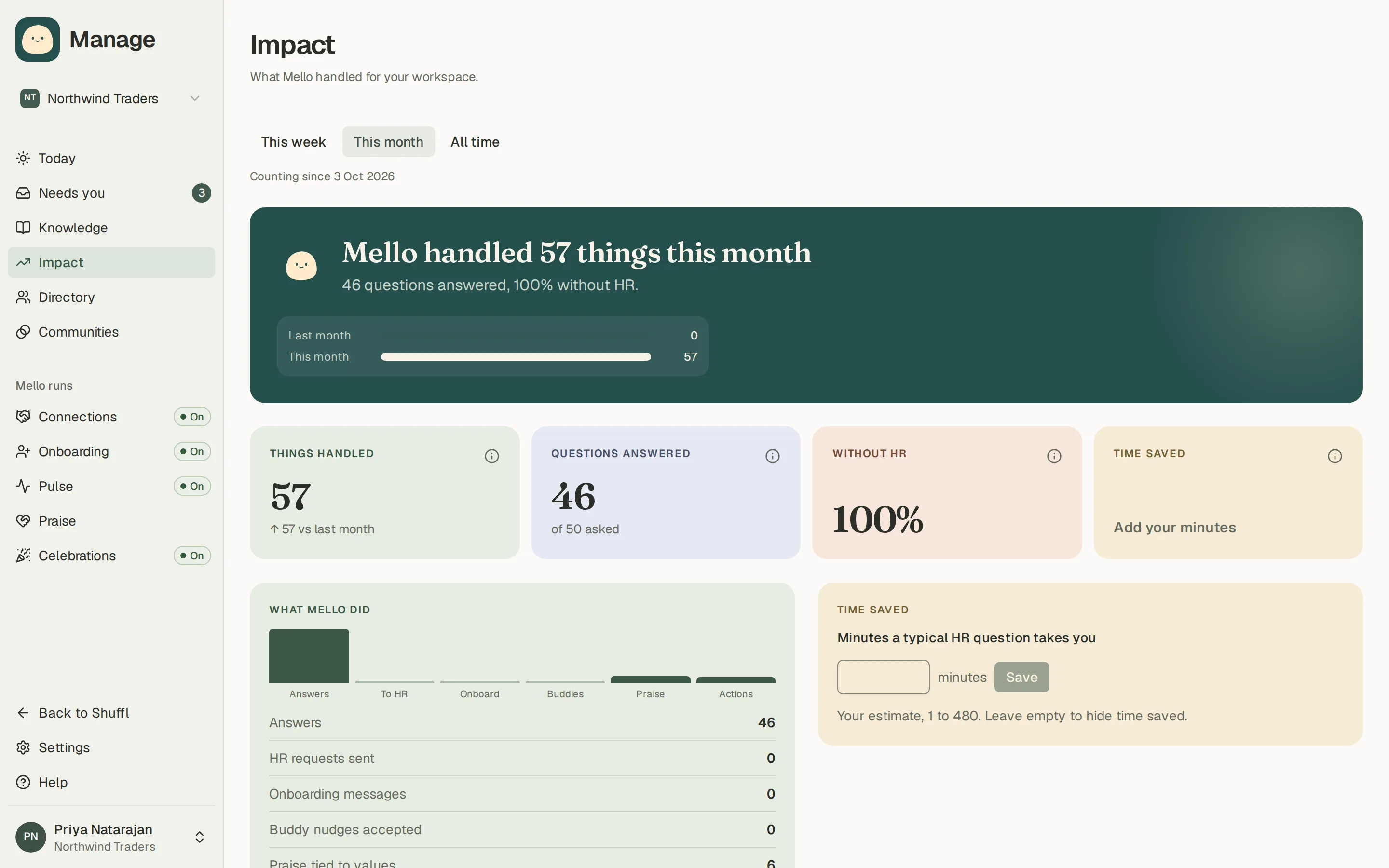
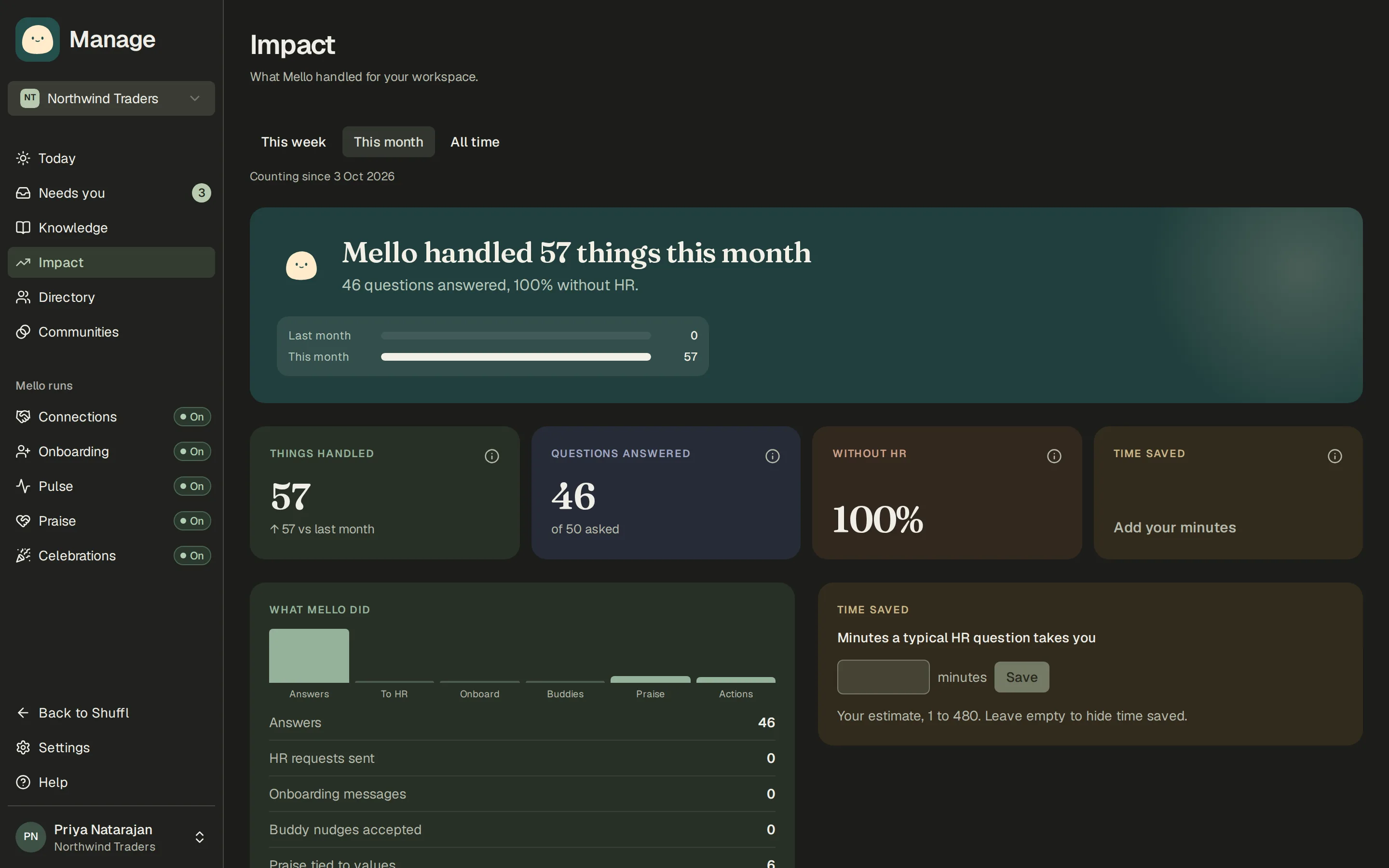
Impact shows, for this week, this month or all time, what Mello handled: questions answered from Knowledge and how many needed no HR, HR requests prepared, onboarding messages, praise tied to values and app actions run for administrators.
Time saved multiplies answered questions by the minutes a typical HR question takes you. Enter that number on the Impact page under Minutes a typical HR question takes you; until you do, the tile stays empty rather than guessing.
The HR digest
The HR digest sends the same numbers to administrators and HR responders every week, two weeks or month. It covers every program and what needs you, with a suggested next step, and contains totals only.
Set it up under Settings → Notifications → HR digest: how often, the day and time, whether to send a short note when nothing happened, and optionally a private Slack channel for administrators to post it in. Show the digest under Preview draws the last period’s digest. Each recipient chooses email or Slack for it like any other notification.
ShufflAPP
Your week in Shuffl
Mello’s culture nudges
Mello also points out culture gaps it sees in a group, with one thing to do about each: a department nobody has thanked in six weeks or more (Give praise), a new hire with no buddy (Pick a buddy, which opens the picker for that hire), or two departments Connections hasn’t introduced lately (start or send a cross-team round).
They lead the HR digest and sit on Today for administrators. Each names a department or counts new hires, never a person, and departments count only with 7 or more people. Not now hides one for 90 days.
Insights in each area
Each area has an Insights tab of its own in Manage: Knowledge (which sources answer questions and where guidance is missing), Requests (time to reply and resolve), People (joins and departures), Connections, Onboarding, Pulse and Praise. Every one shows totals, and Pulse and Praise only for groups of 7 or more people.