
Pulse actions and who knows what
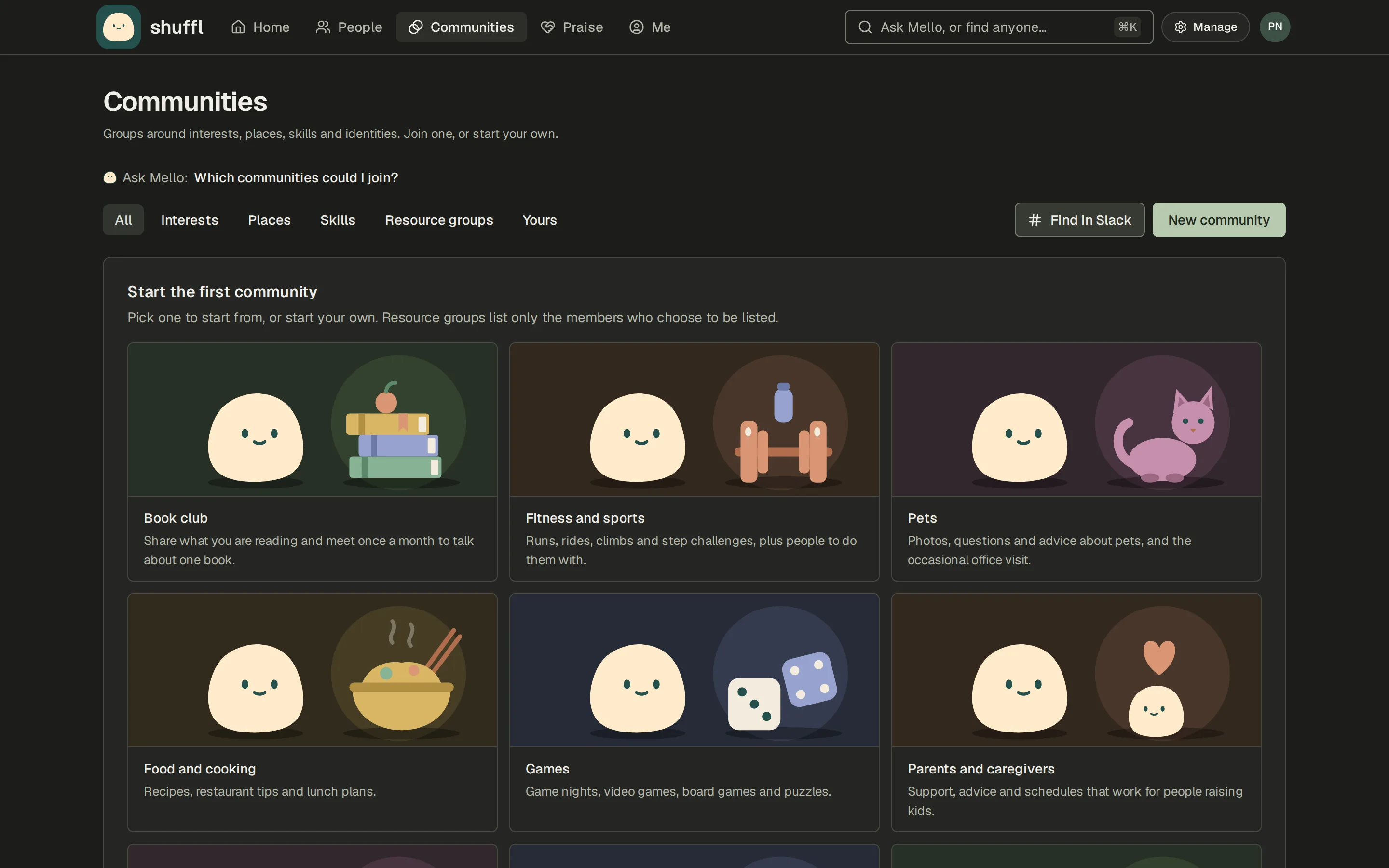
Plan what you’ll do about a Pulse result, ask Mello who knows about a topic, and praise a coworker without leaving Shuffl.
- Turn a Pulse result into an actionActionsPulse actionsShout-out round at every all-handsDoneReview workload with each teamDueCross-team buddy pairsPlanned
- Mello suggests the next Pulse questionsSuggested questionsMello suggests: “I can finish my work without staying late.”Approve
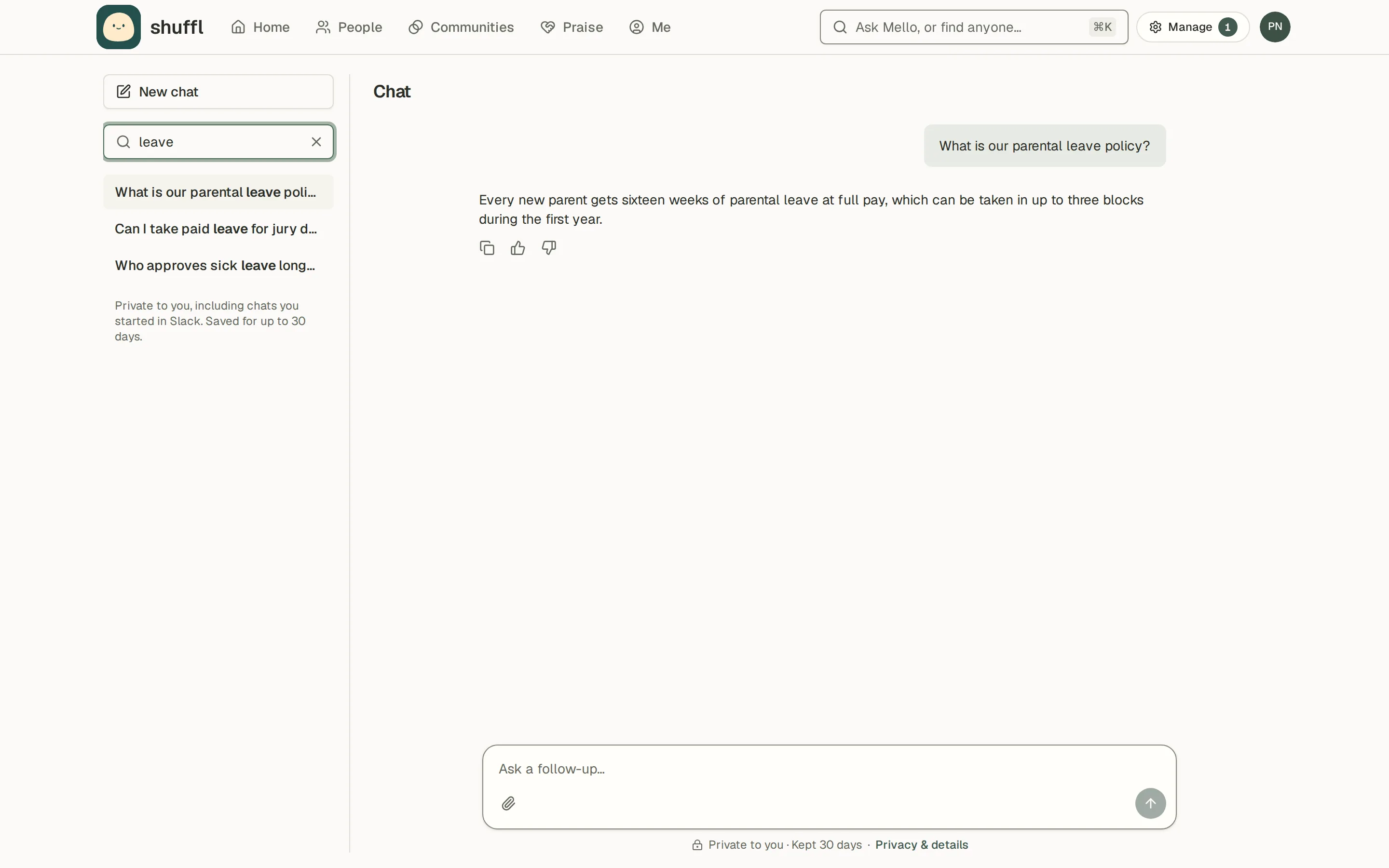
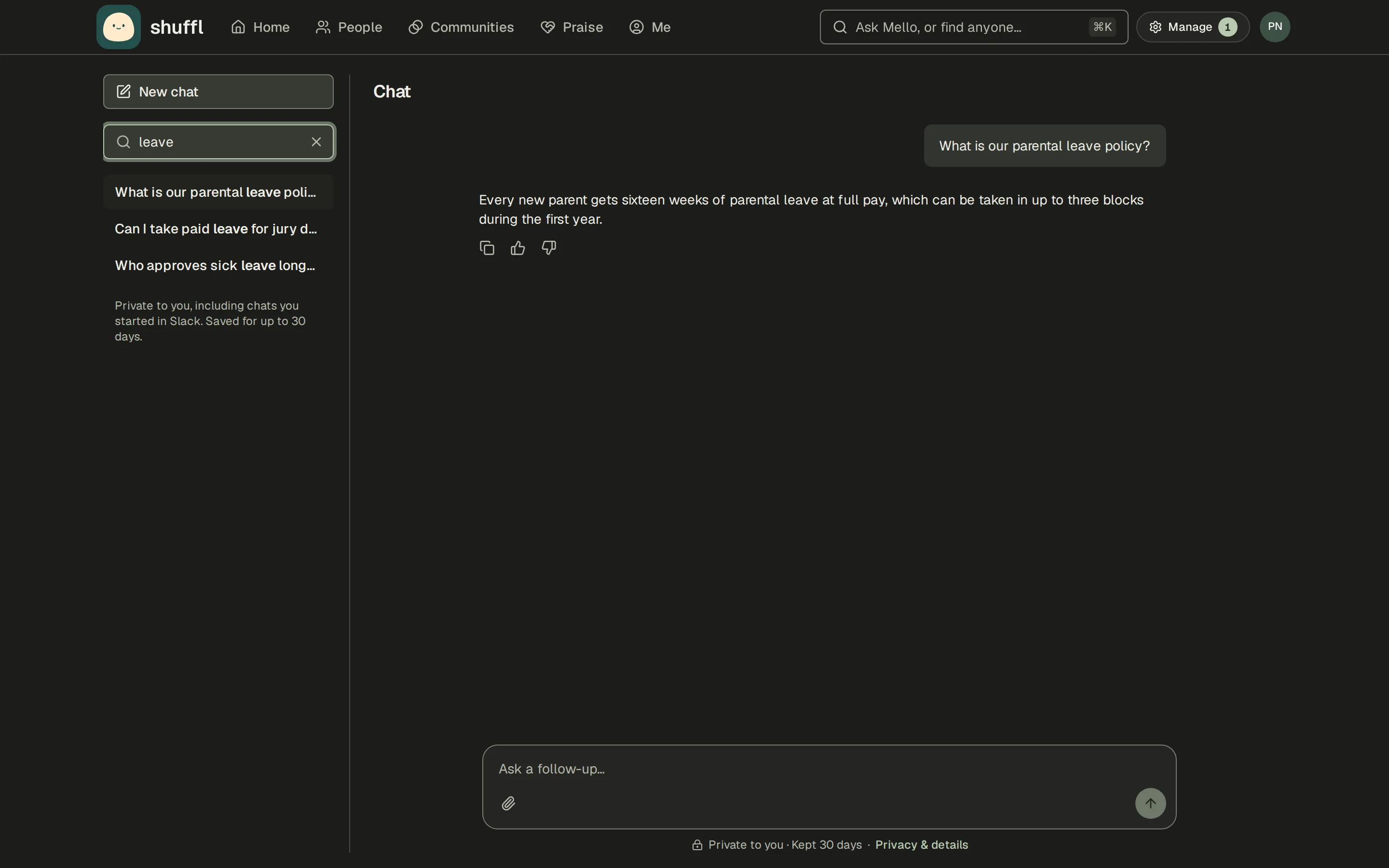
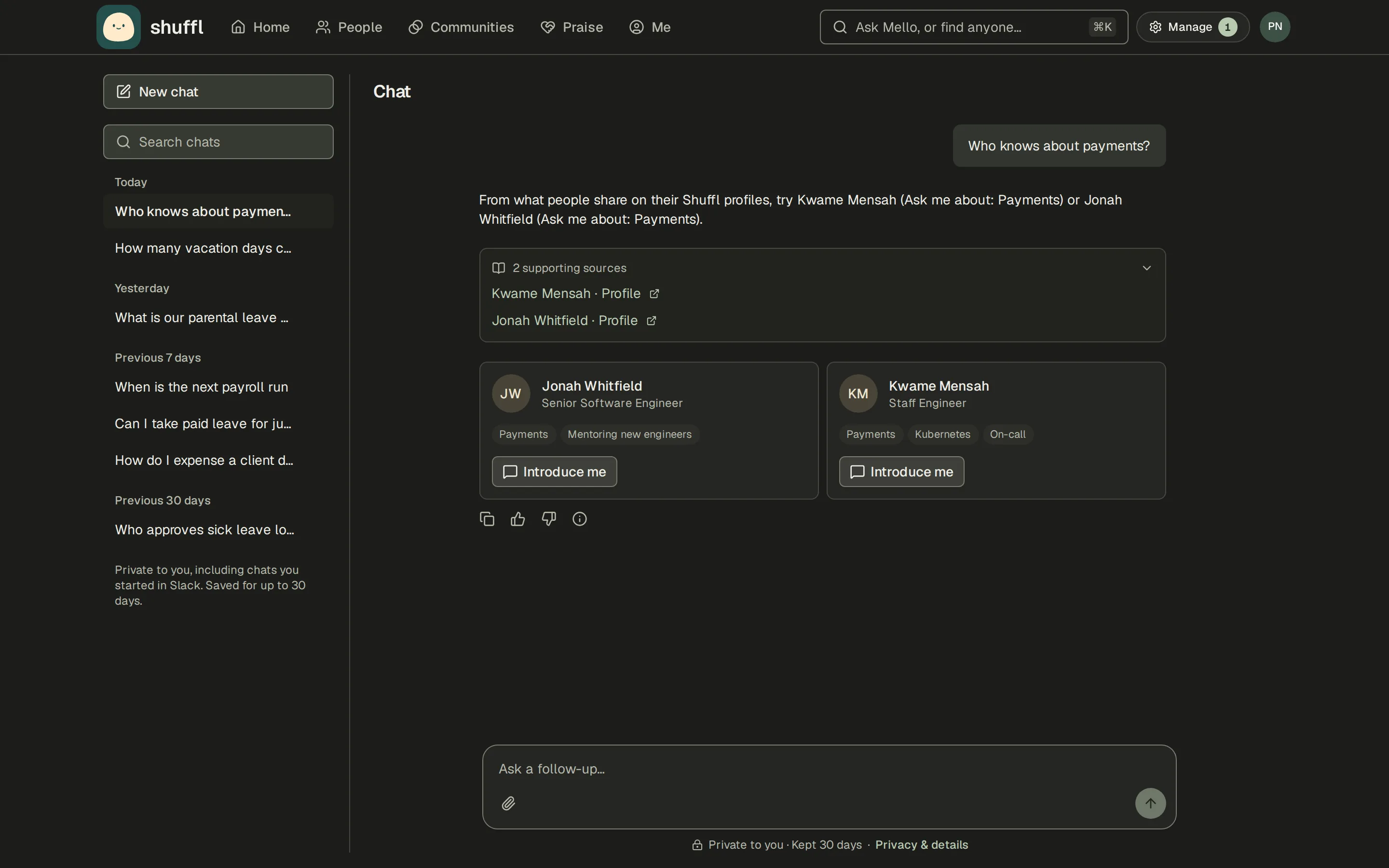
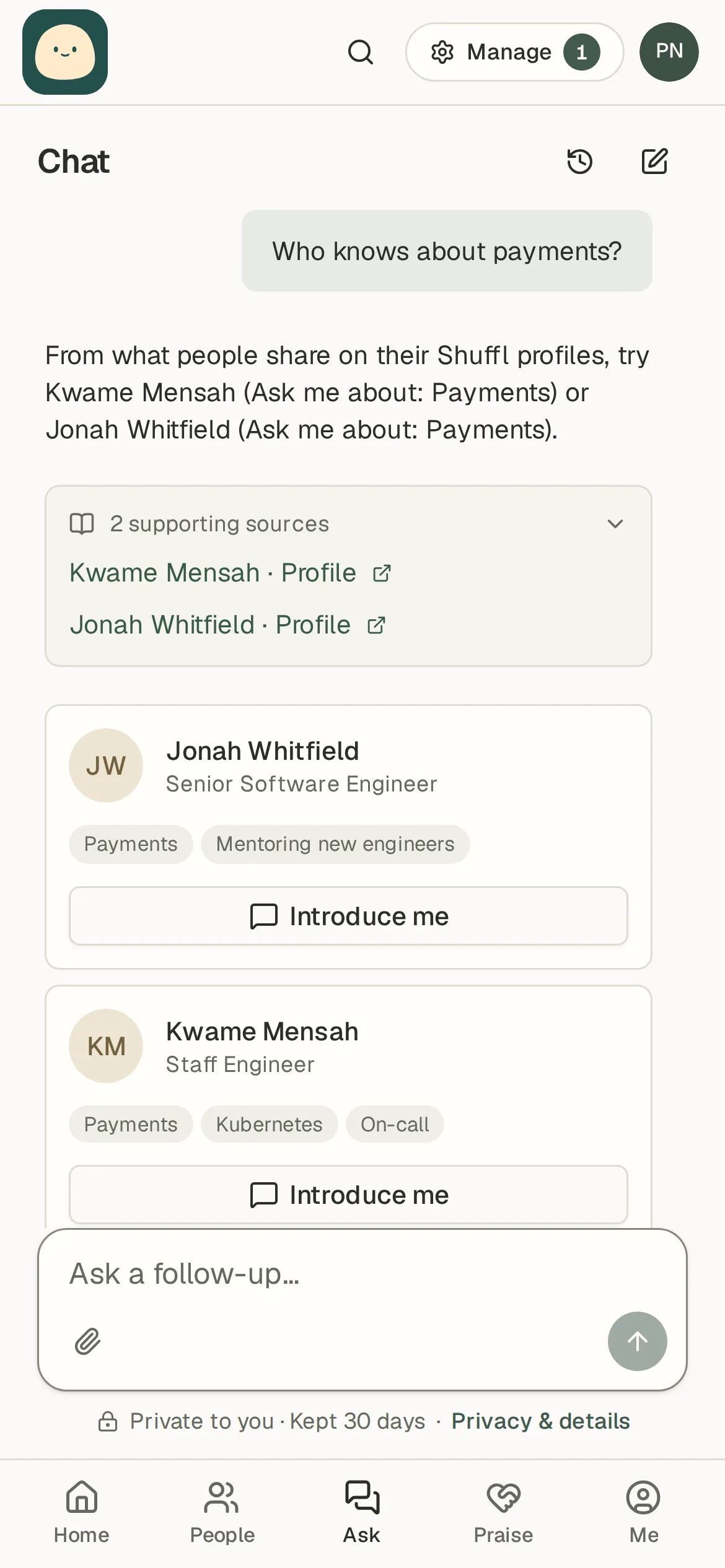
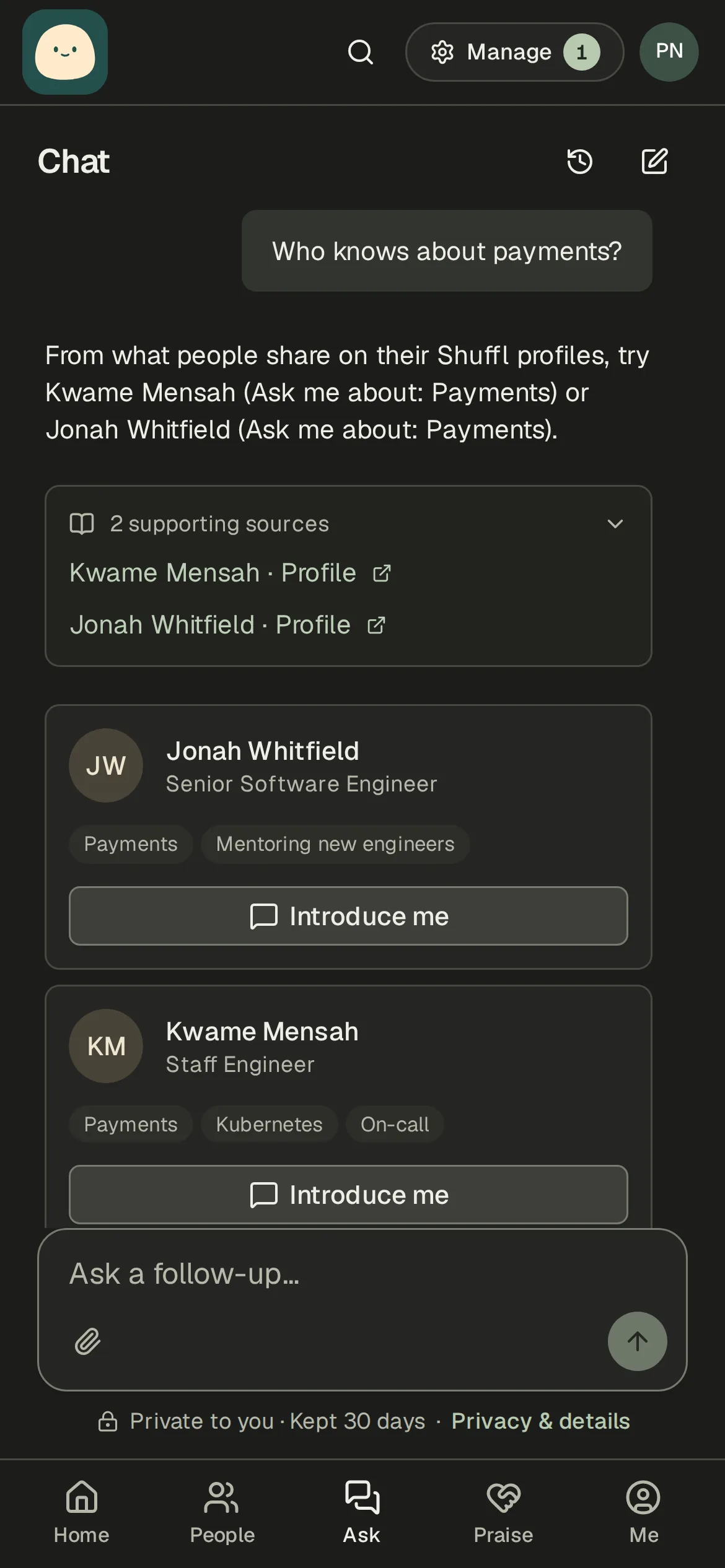
- Find out who knows about somethingWho knowsWho knows about payments?Try Kwame Mensah or Jonah Whitfield. Both list payments.
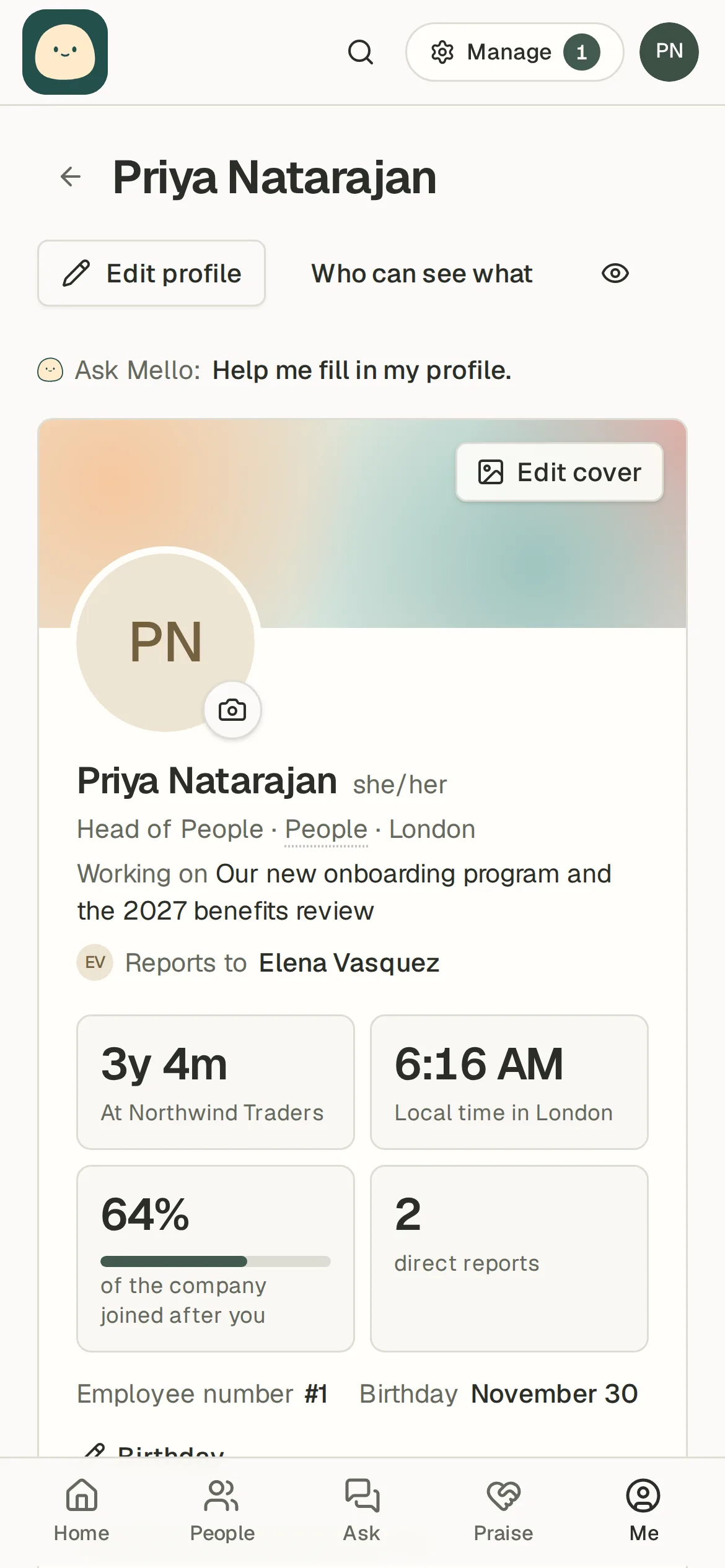
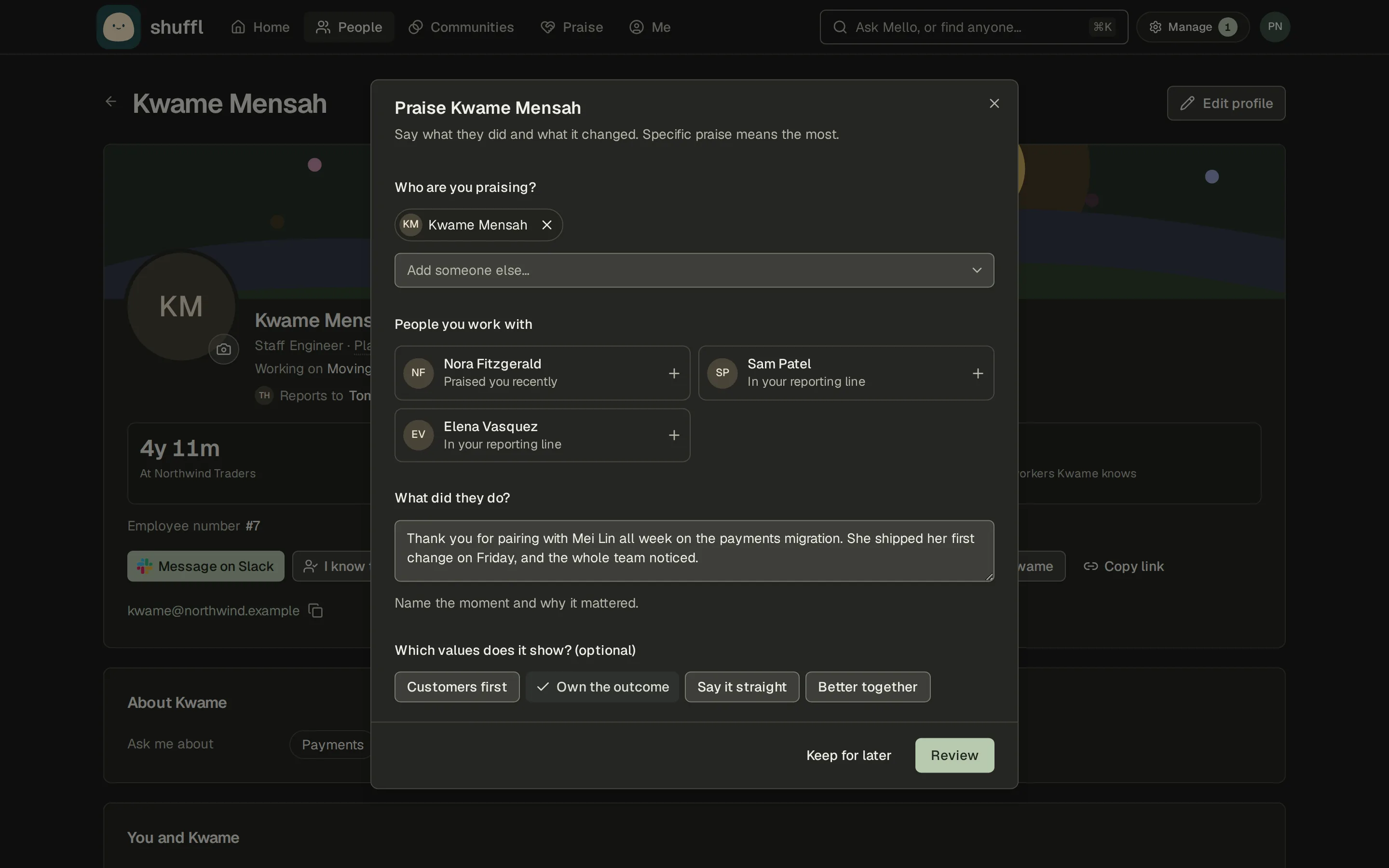
- Praise a coworker from their profilePraiseThanks for helping Mei Lin ship!
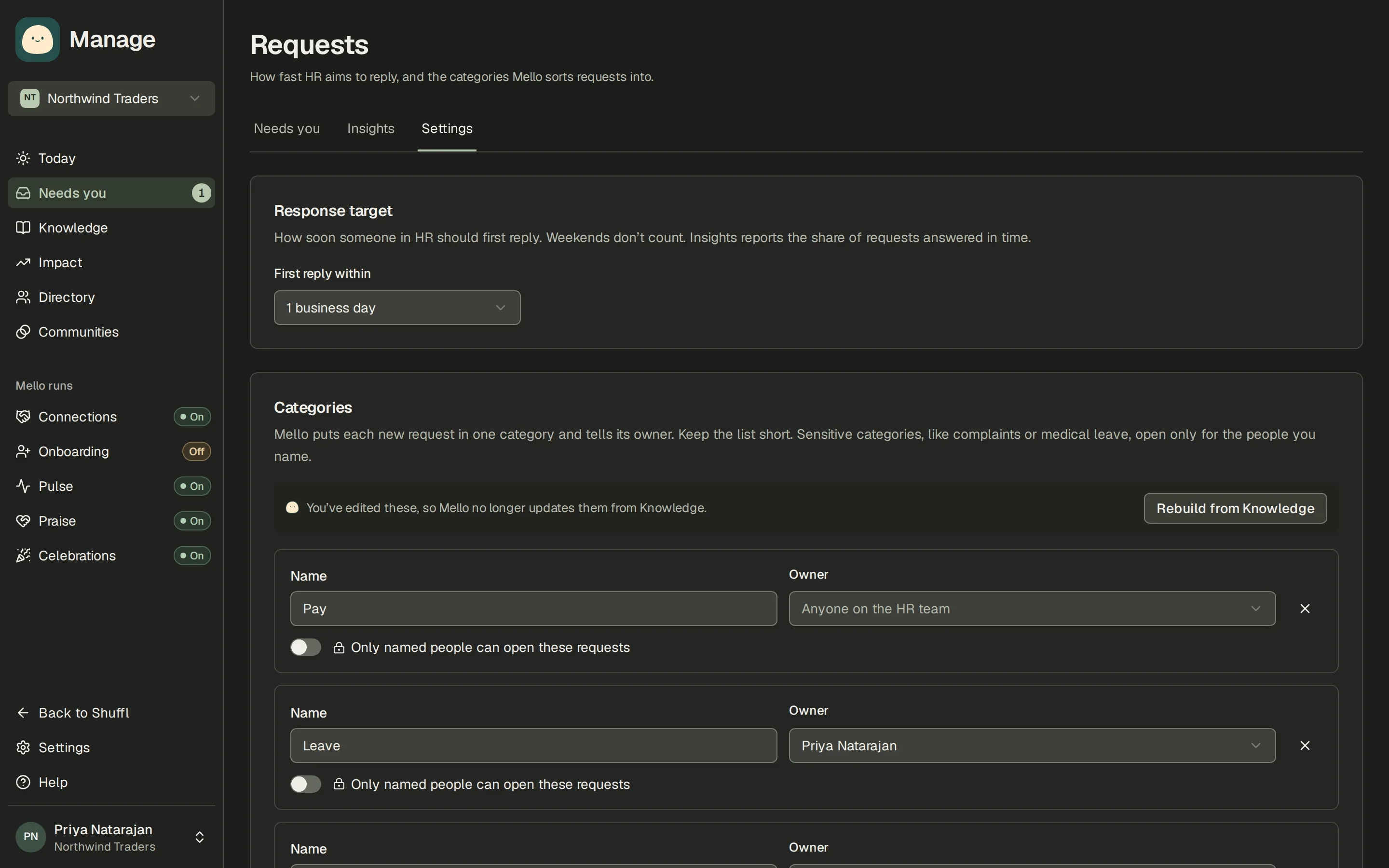
- HR requests sorted by categoryCategoriesRequestsLeavePayrollBenefitsEmployee relations
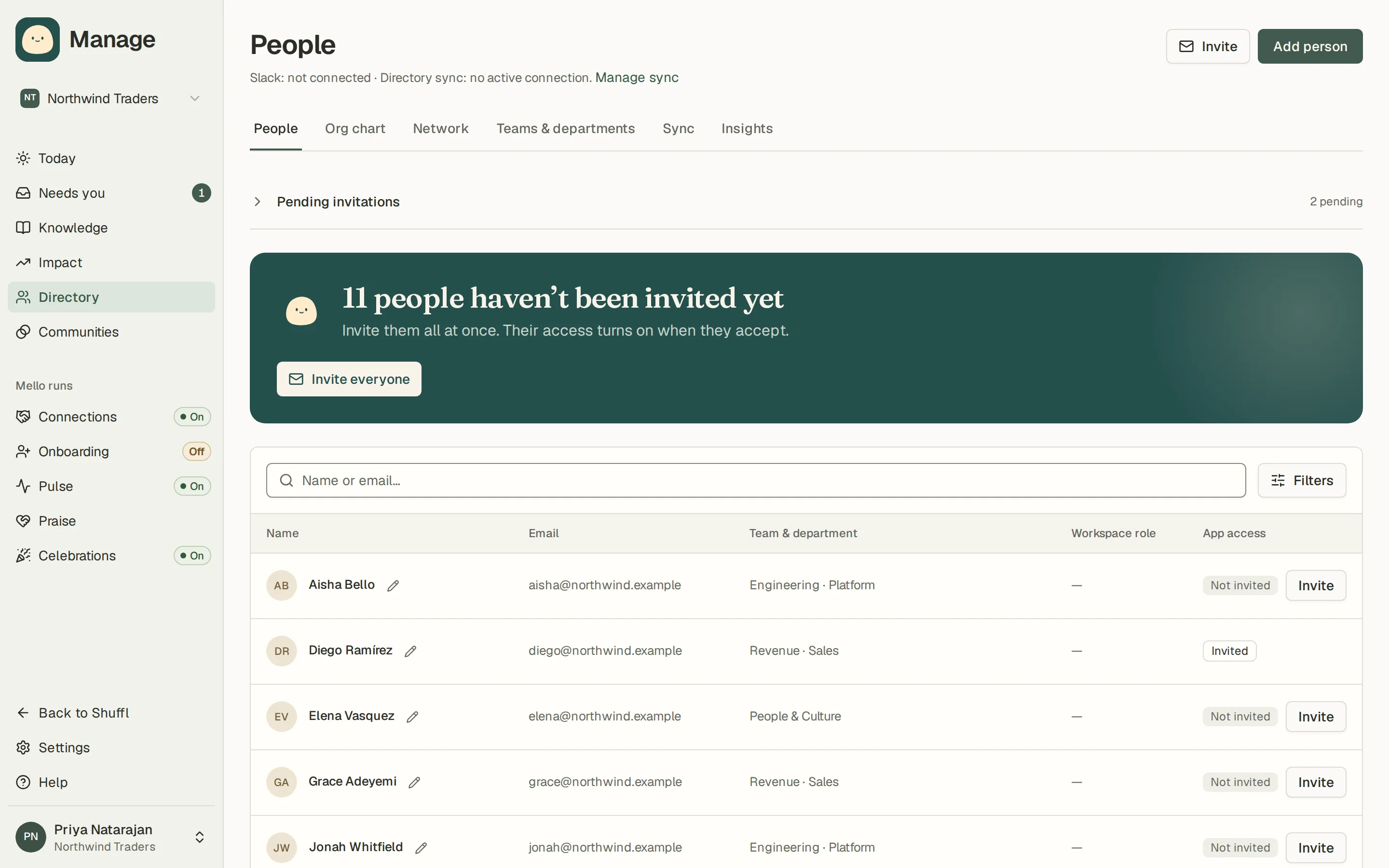
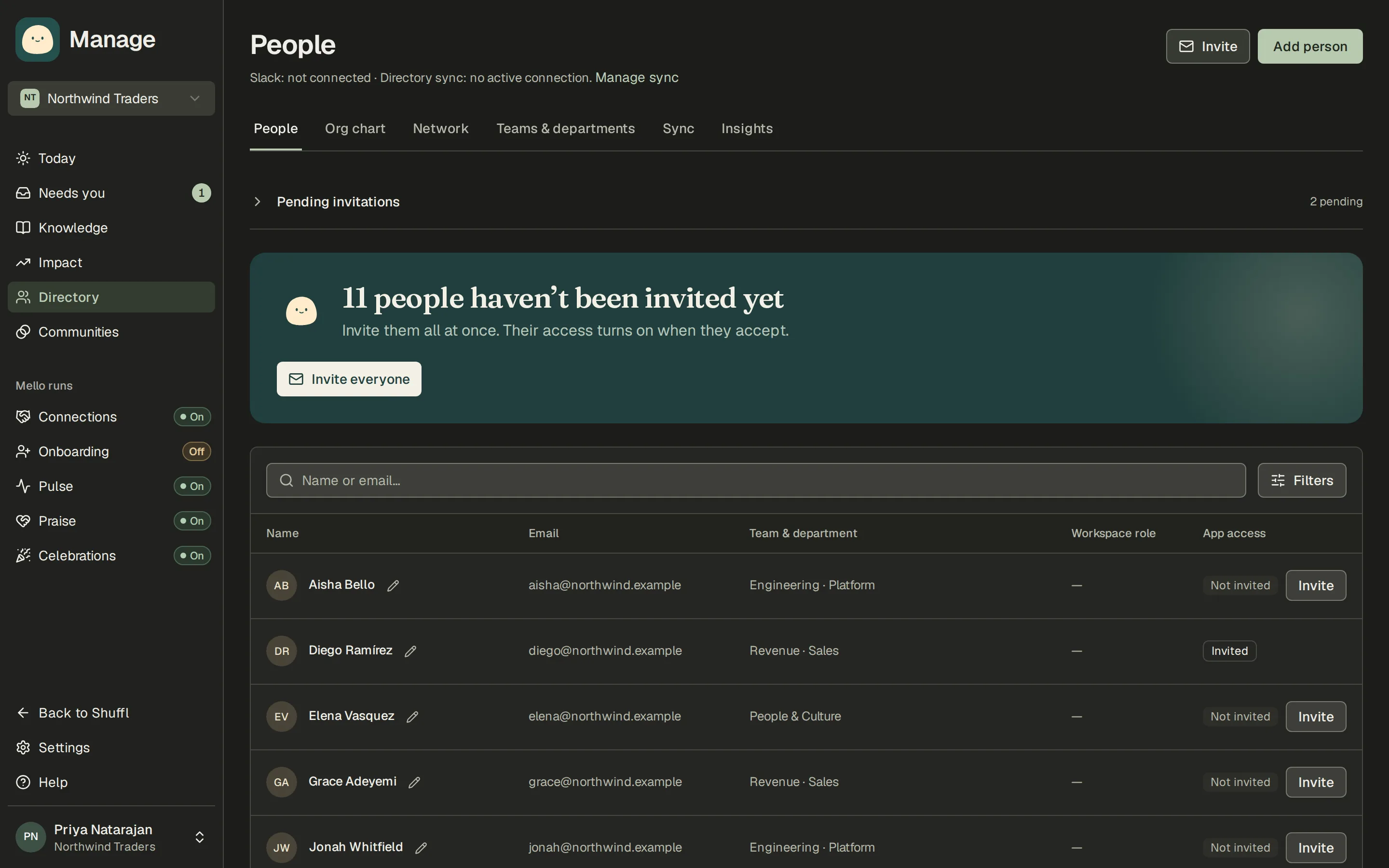
- See who can use Shuffl, and invite everyone at oncePeople11 people in your directory haven’t been invited yet.Invite everyone

Turn a Pulse result into an action
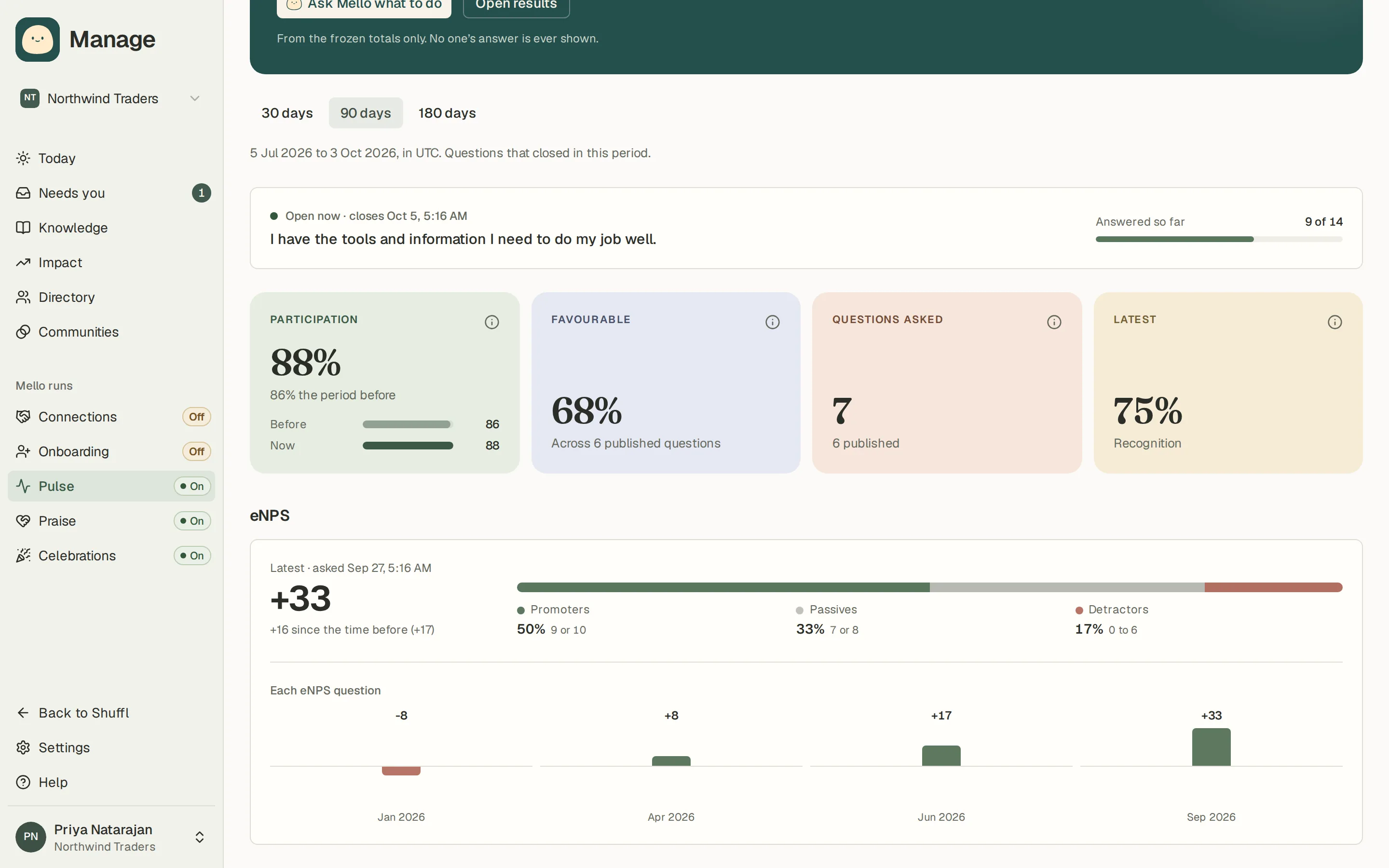
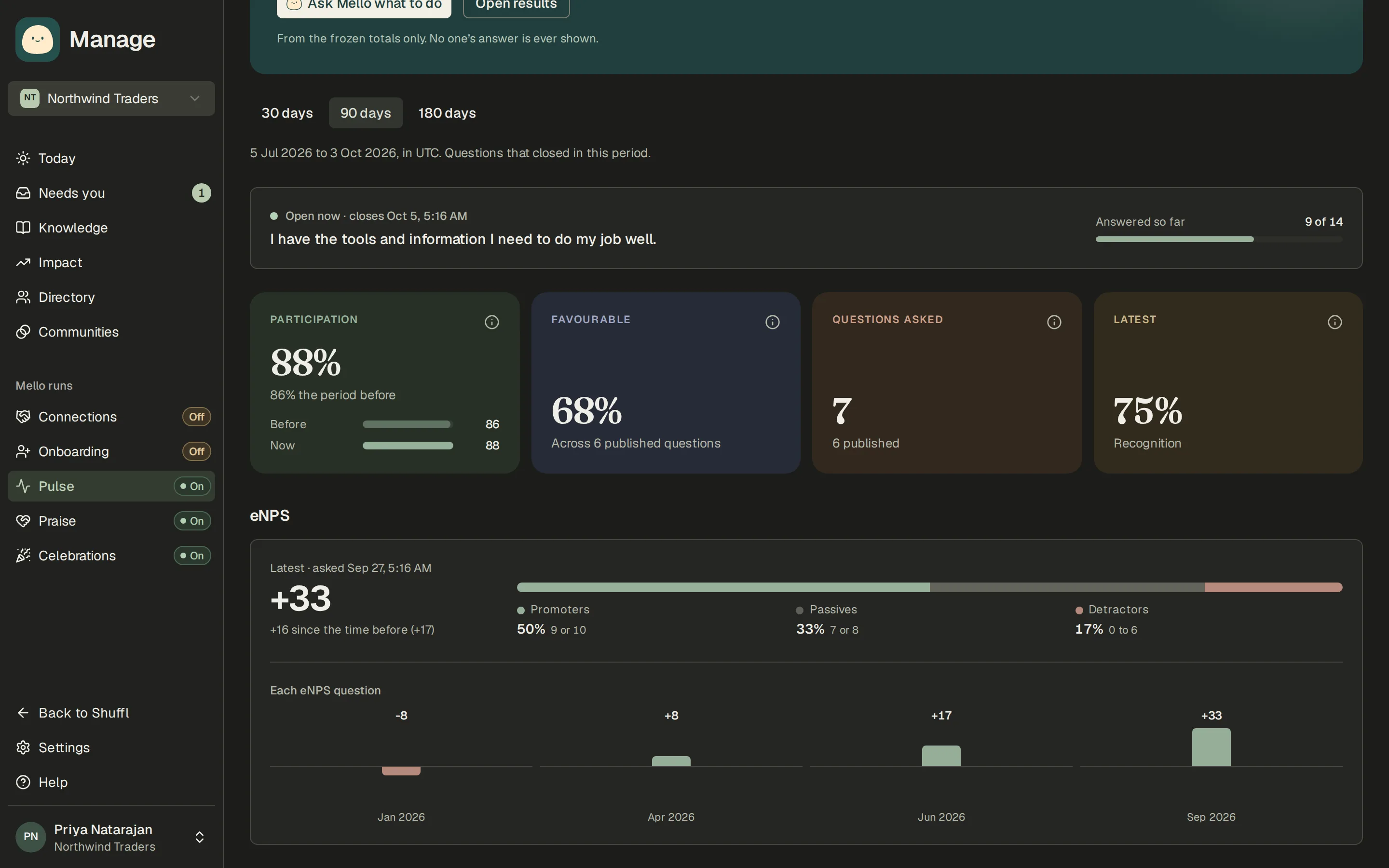
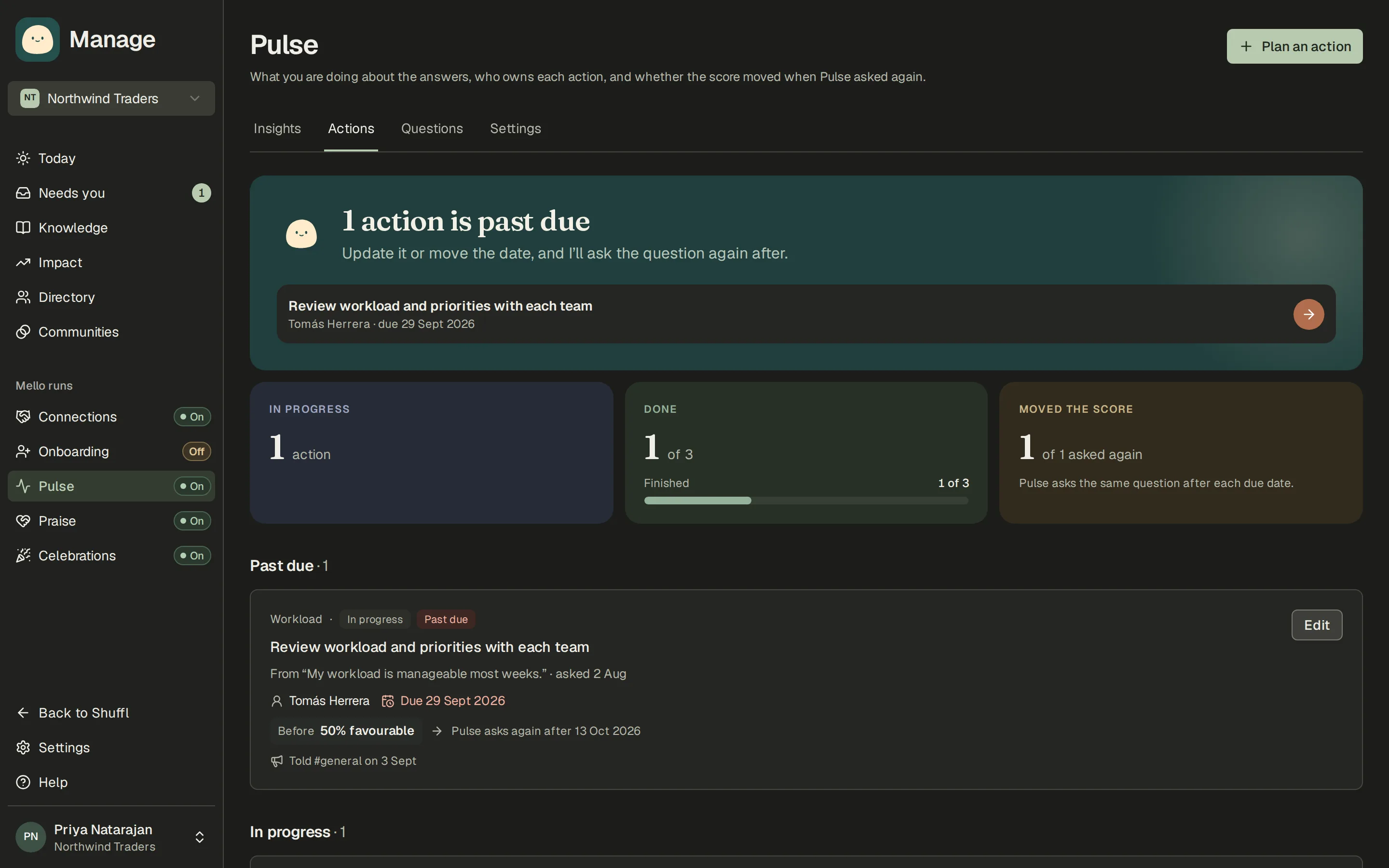
When a Pulse question closes, admins get the result with Mello’s read on it. From any result you can plan an action with an owner and a due date, and tell people once what you’re changing. The Actions tab shows what’s past due and whether the score moved the next time the question was asked.
Read the Pulse guide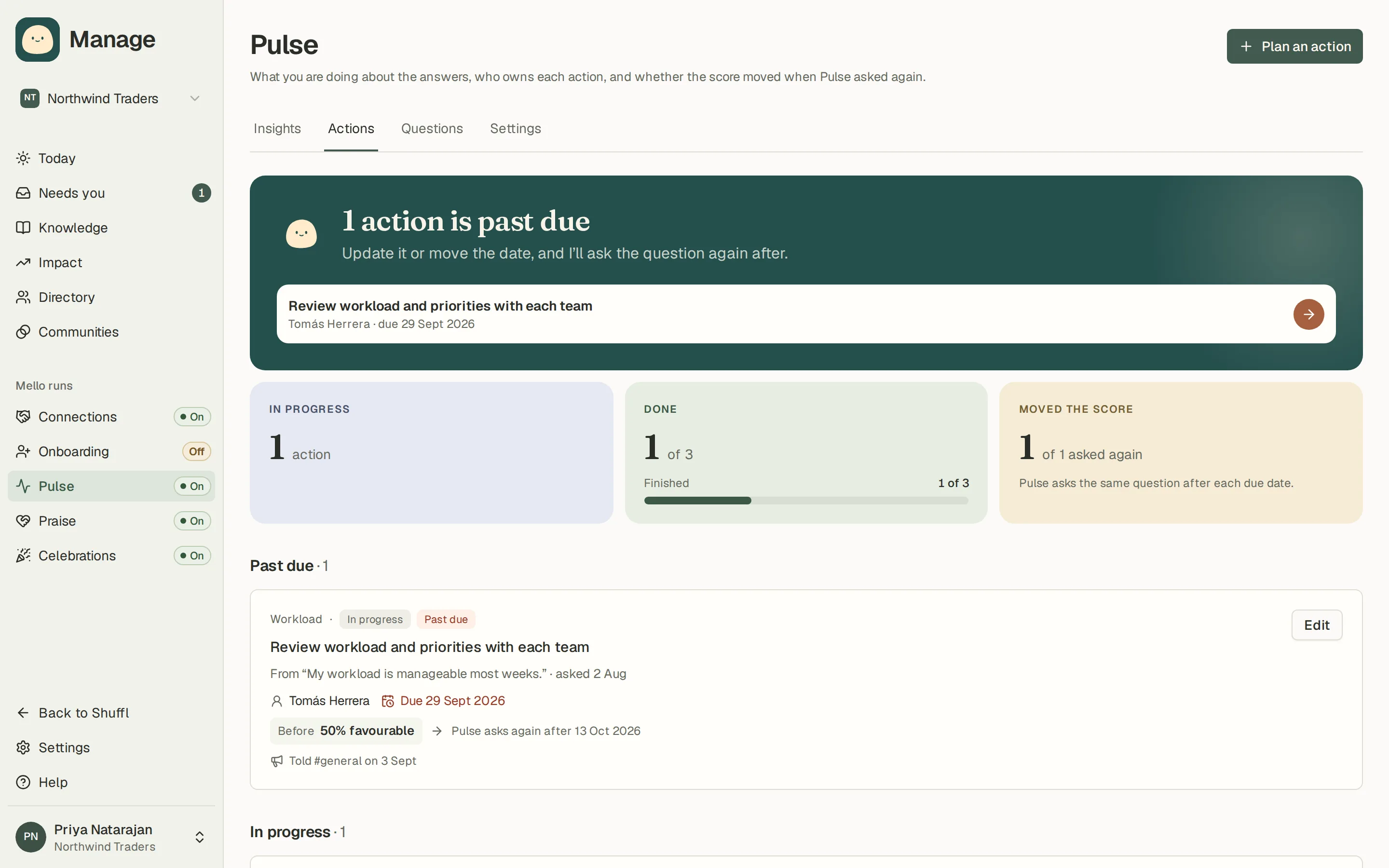
Mello suggests the next Pulse questions
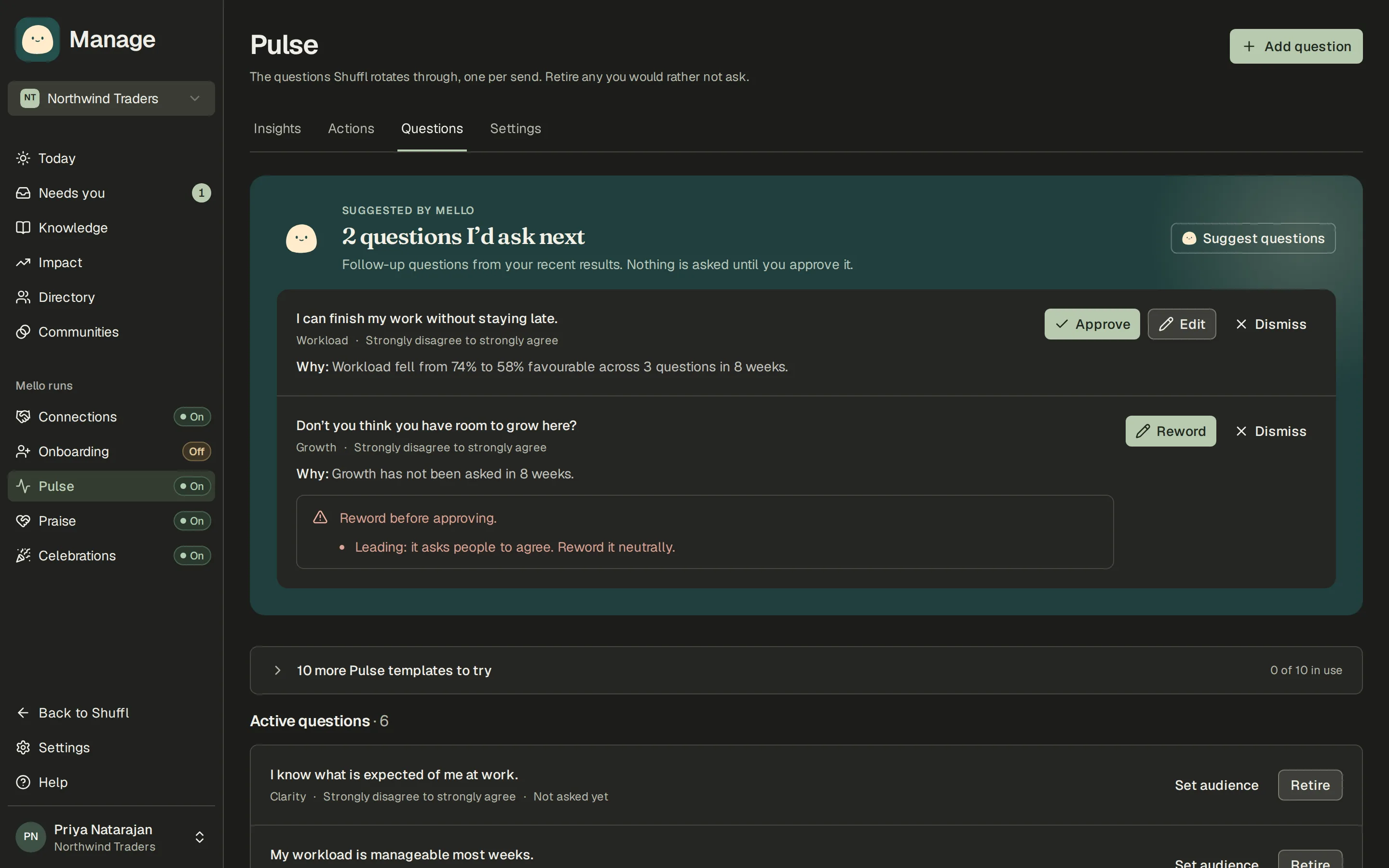
With AI analysis on, Mello proposes Pulse questions each week from your recent results, each with a one-line reason such as a score that fell. It flags wording that pushes people toward an answer or touches a sensitive topic. Nothing is asked until someone approves it on the Questions tab or from Slack.
How suggested questions work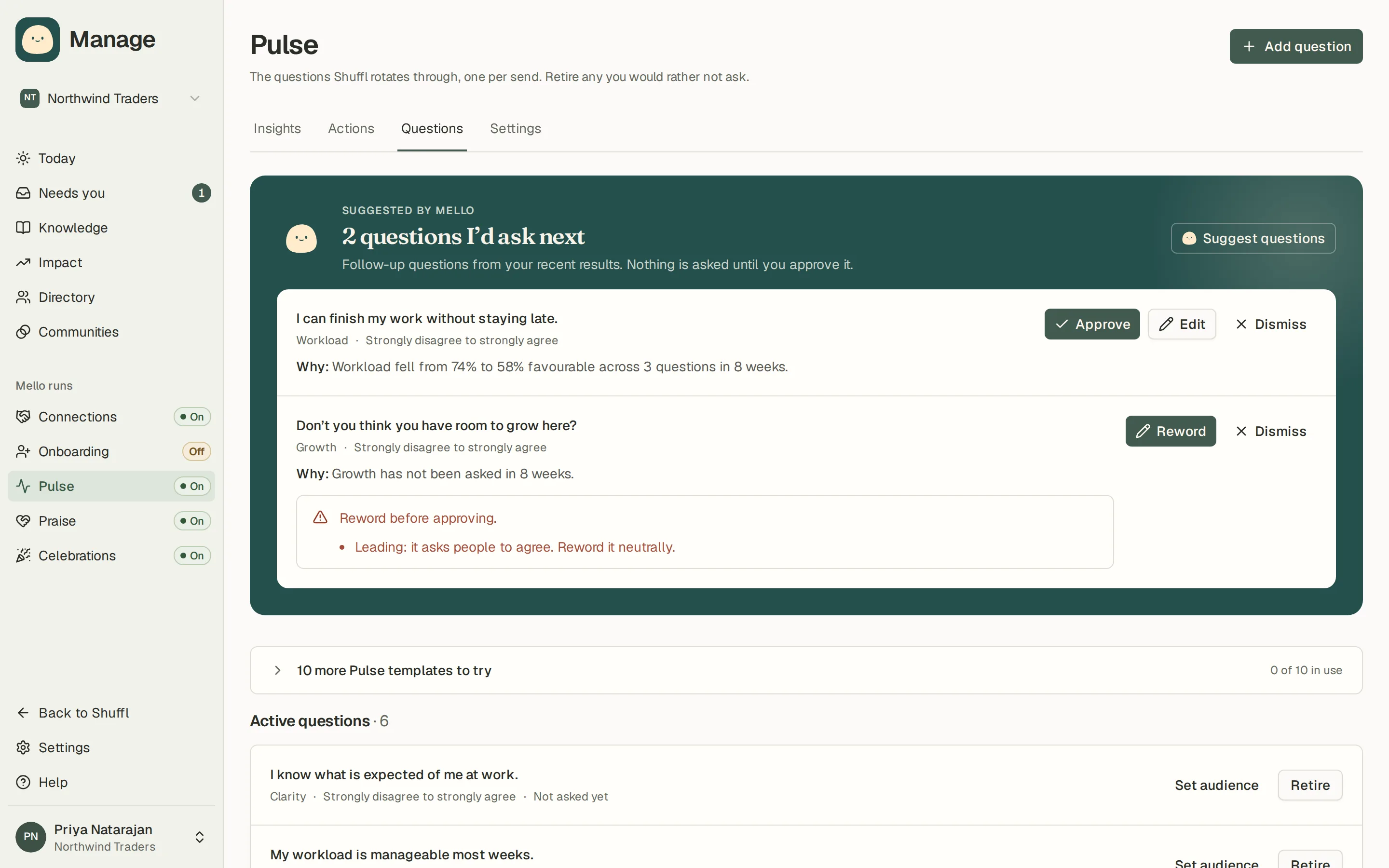
Find out who knows about something
Ask Mello who knows about payments, SCIM or anything else, and it names coworkers from what they share on their profiles, with a link to each one. Introduce me drafts a short hello you can send them. Type a topic in ⌘K to find the same people.
Read the Ask Mello guide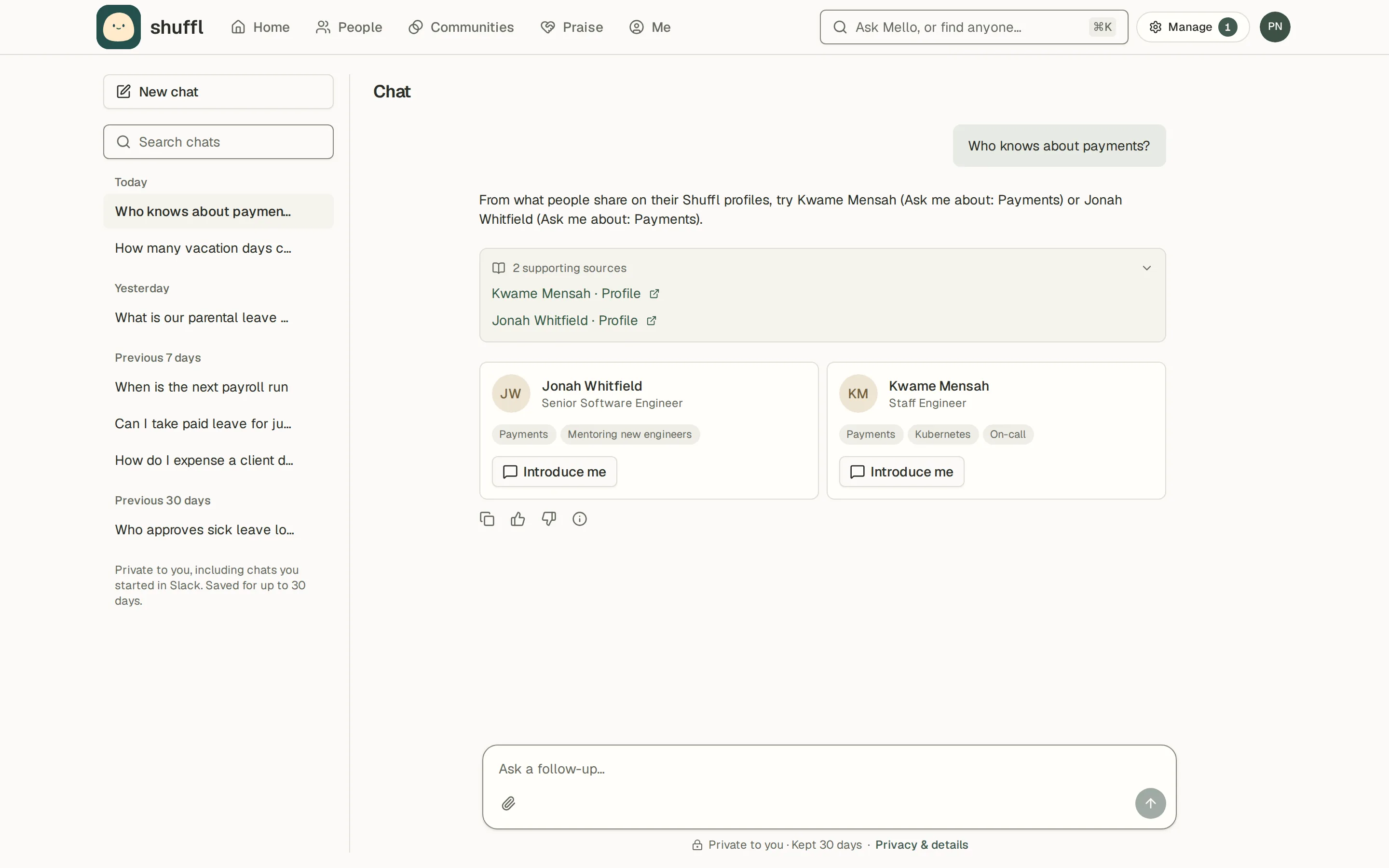
Praise a coworker from their profile
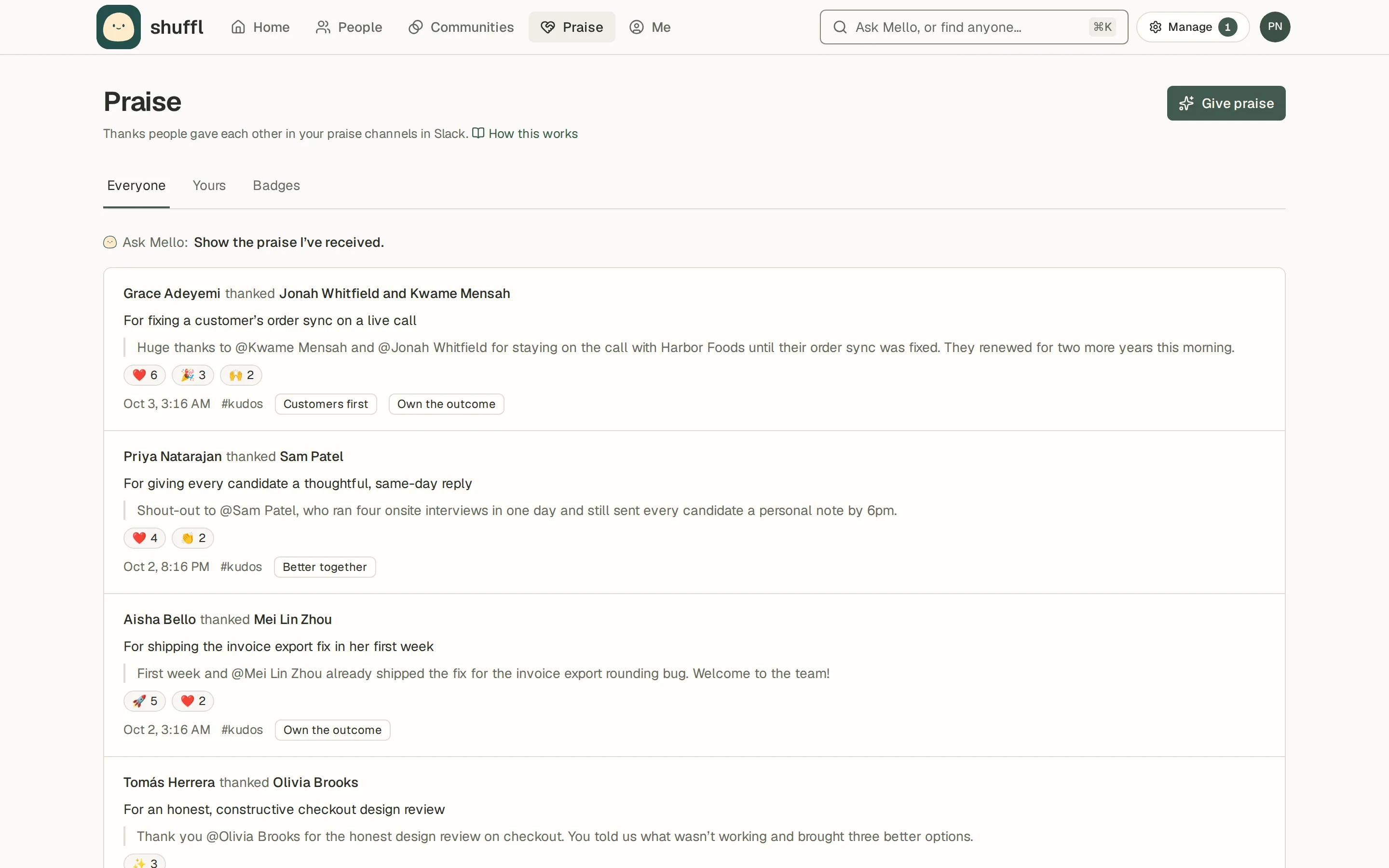
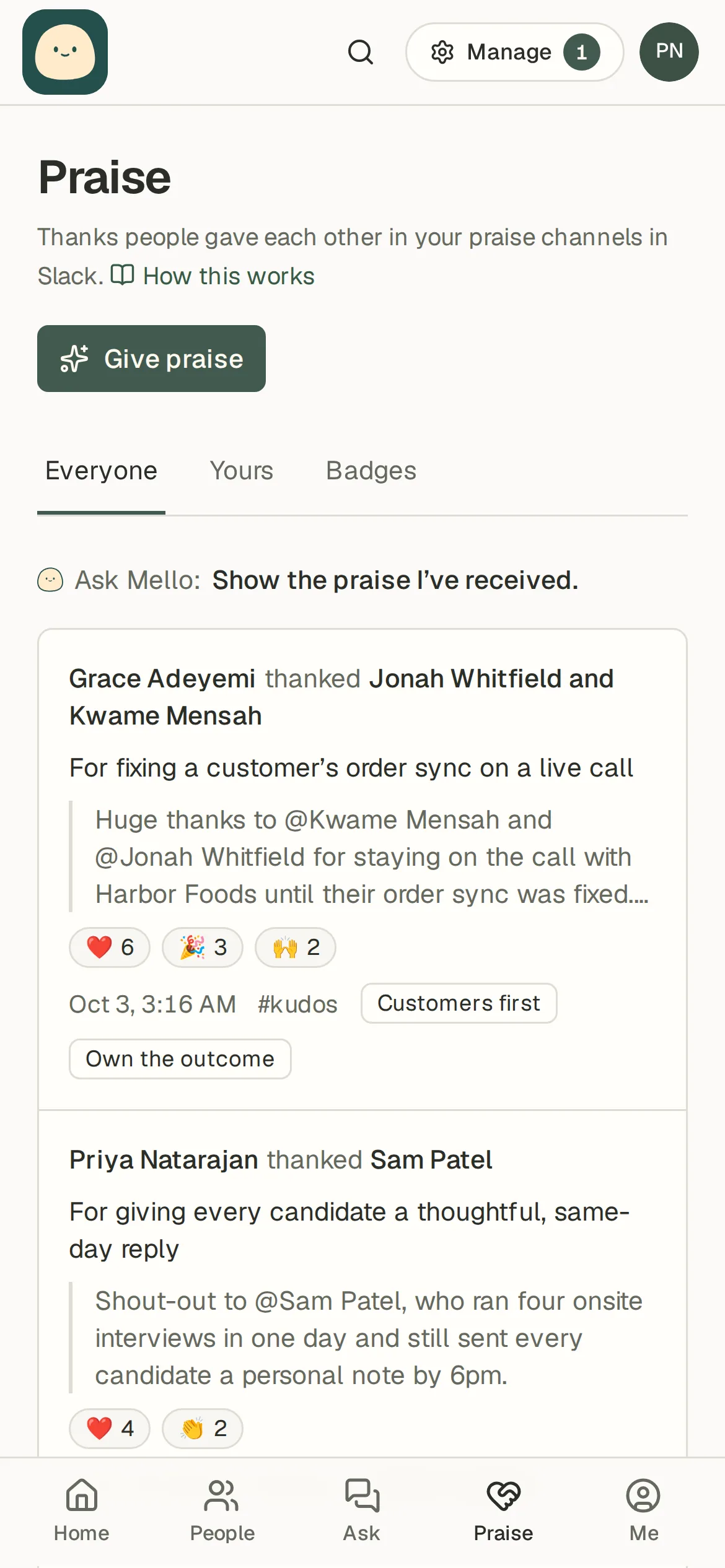
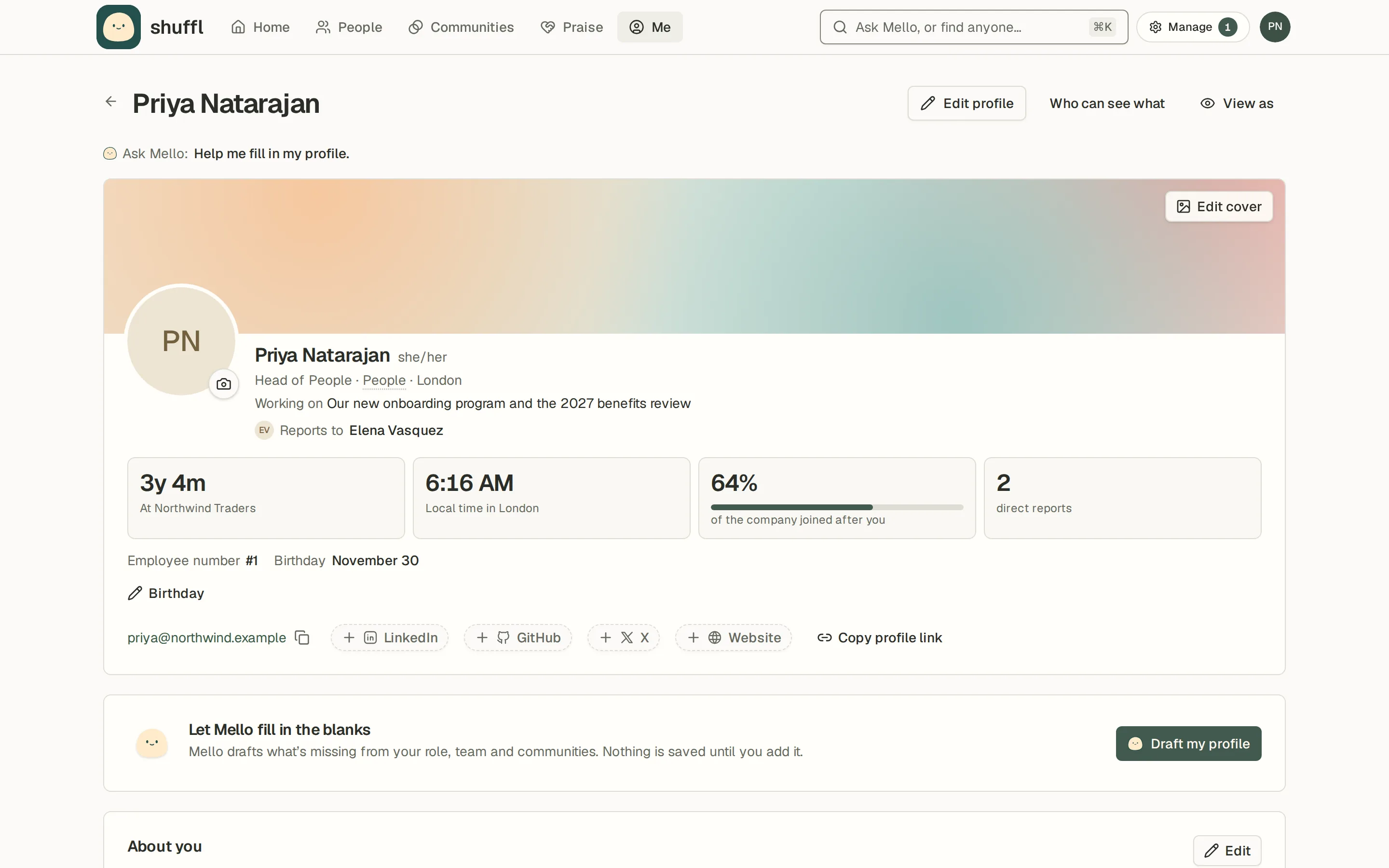
Choose Praise on anyone’s profile and the composer opens with them already picked. Say what they did, tag a company value and check how it will look. Shuffl posts it in your praise channel for you.
Read the Praise guide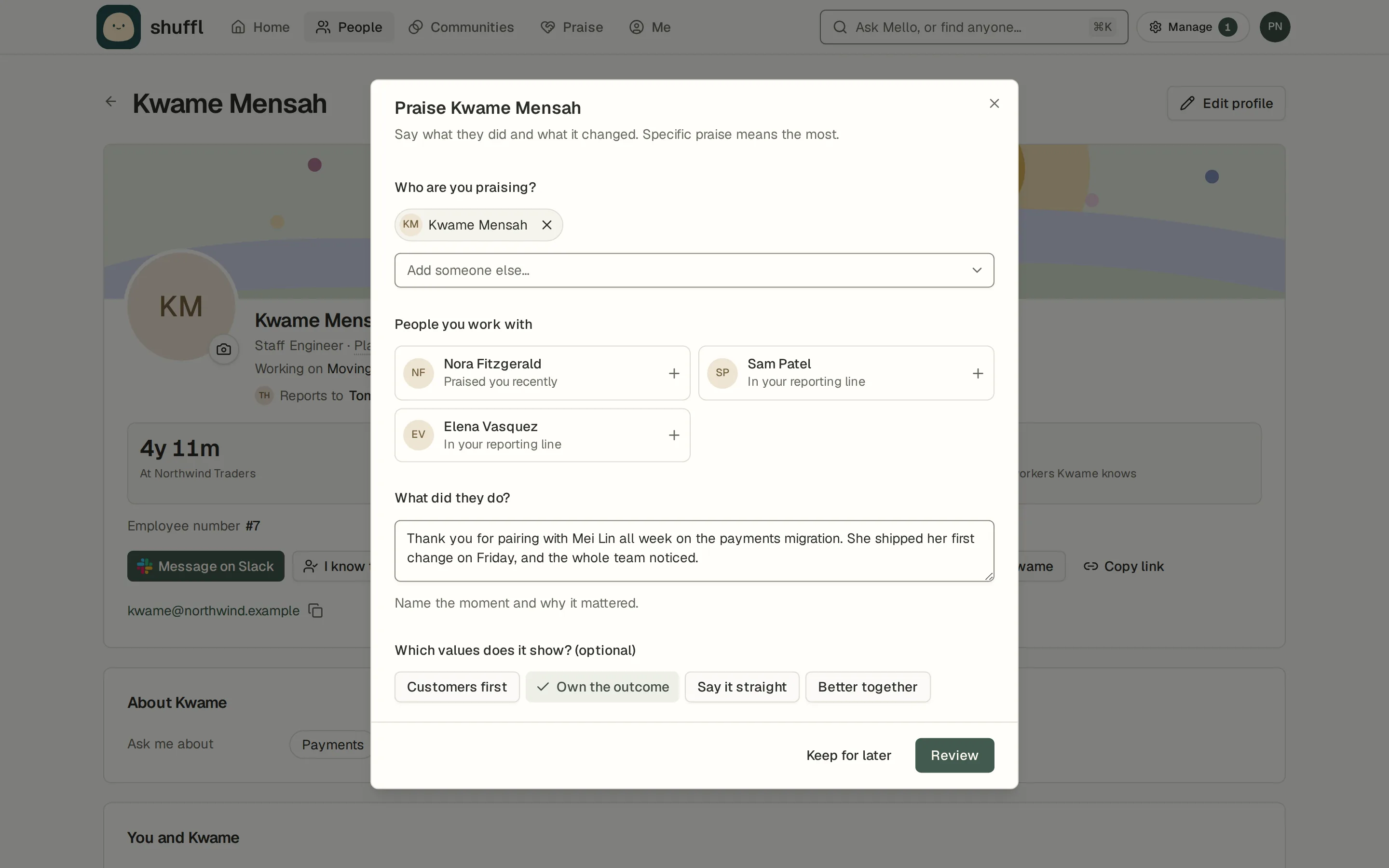
HR requests sorted by category
Mello files each HR request under a category, and that category’s owner hears about it. Sensitive categories, like employee relations, open only for the people you name. You set a response target in business days. When you close a request, you note whether an article answered it or one is needed, and Mello can draft the missing one from your reply.
Read the HR requests guide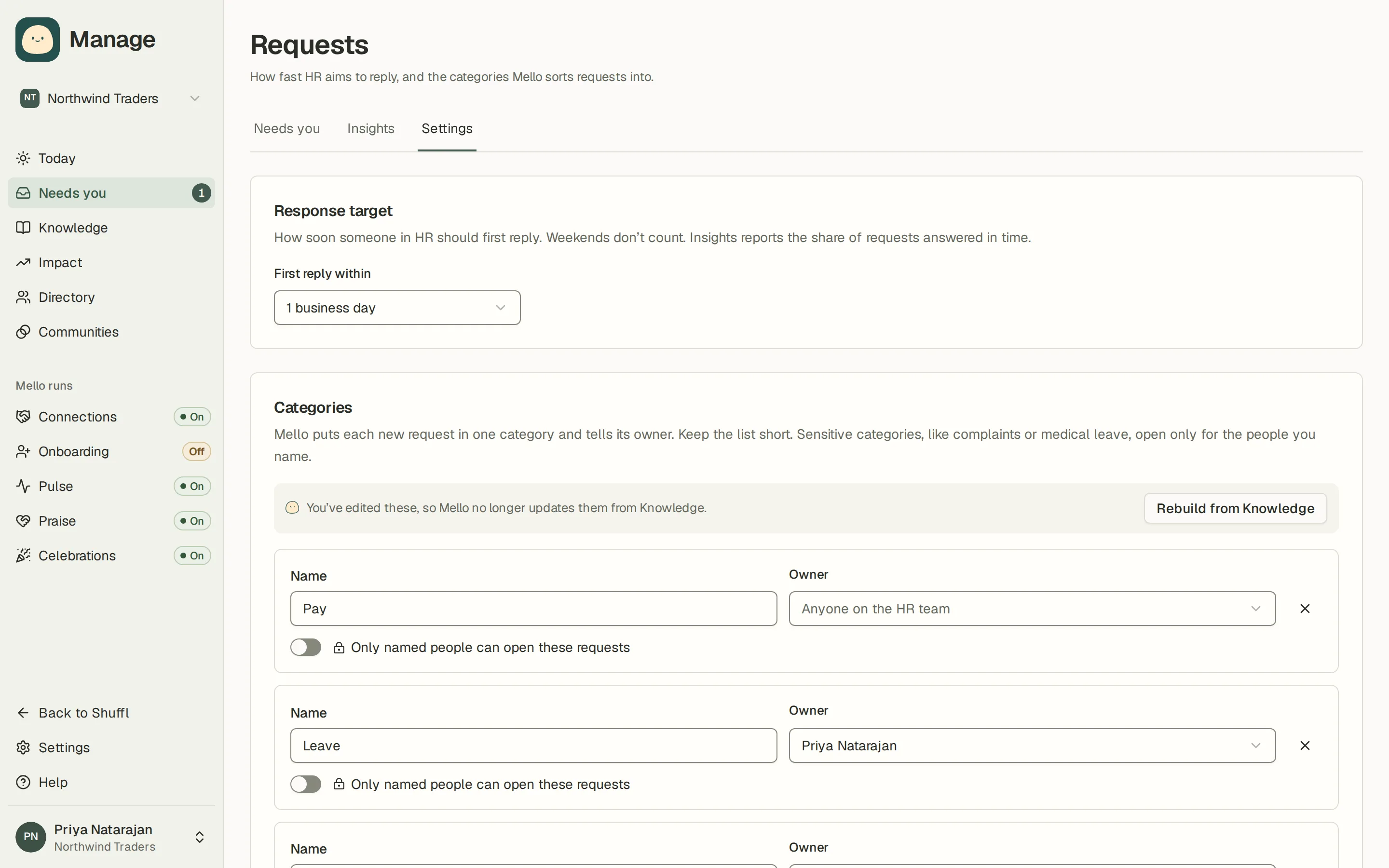
See who can use Shuffl, and invite everyone at once
People now shows whether each person is active in Shuffl, invited or not invited yet. Invite one person from their row, several at once, or everyone who hasn’t had an invite in one step.
Read the employee access guide