
Celebrate work anniversaries and birthdays
Work anniversaries and birthdays in Slack, what each person decides, and how administrators set it up.
Everyone using Shuffl
Read as MarkdownAll guides as textAgent documentation index
Have your agent do thisPaste the prompt into Claude Code, Cursor or another agent. It follows this guide over MCP and asks before it changes anything others will see.Show the promptHide the prompt
Help me with "Celebrate work anniversaries and birthdays" in my Shuffl workspace.

1. Read the guide: https://shuffl-rebuild.vercel.app/docs/markdown/celebrations
2. Add Shuffl's MCP server: https://shuffl-rebuild.vercel.app/api/mcp
   Claude Code: claude mcp add --transport http shuffl https://shuffl-rebuild.vercel.app/api/mcp
   When the browser opens, choose my workspace and allow the access the guide needs.
3. Work through the steps in order: Your anniversary and birthday; For administrators. Do what you can over MCP and tell me which steps only I can do in the browser or in Slack.

Show me what you will change and who it affects, and wait for my yes before publishing, inviting or sending anything.
App links open your signed-in workspace. Check the selected workspace before making changes.
Your anniversary and birthday
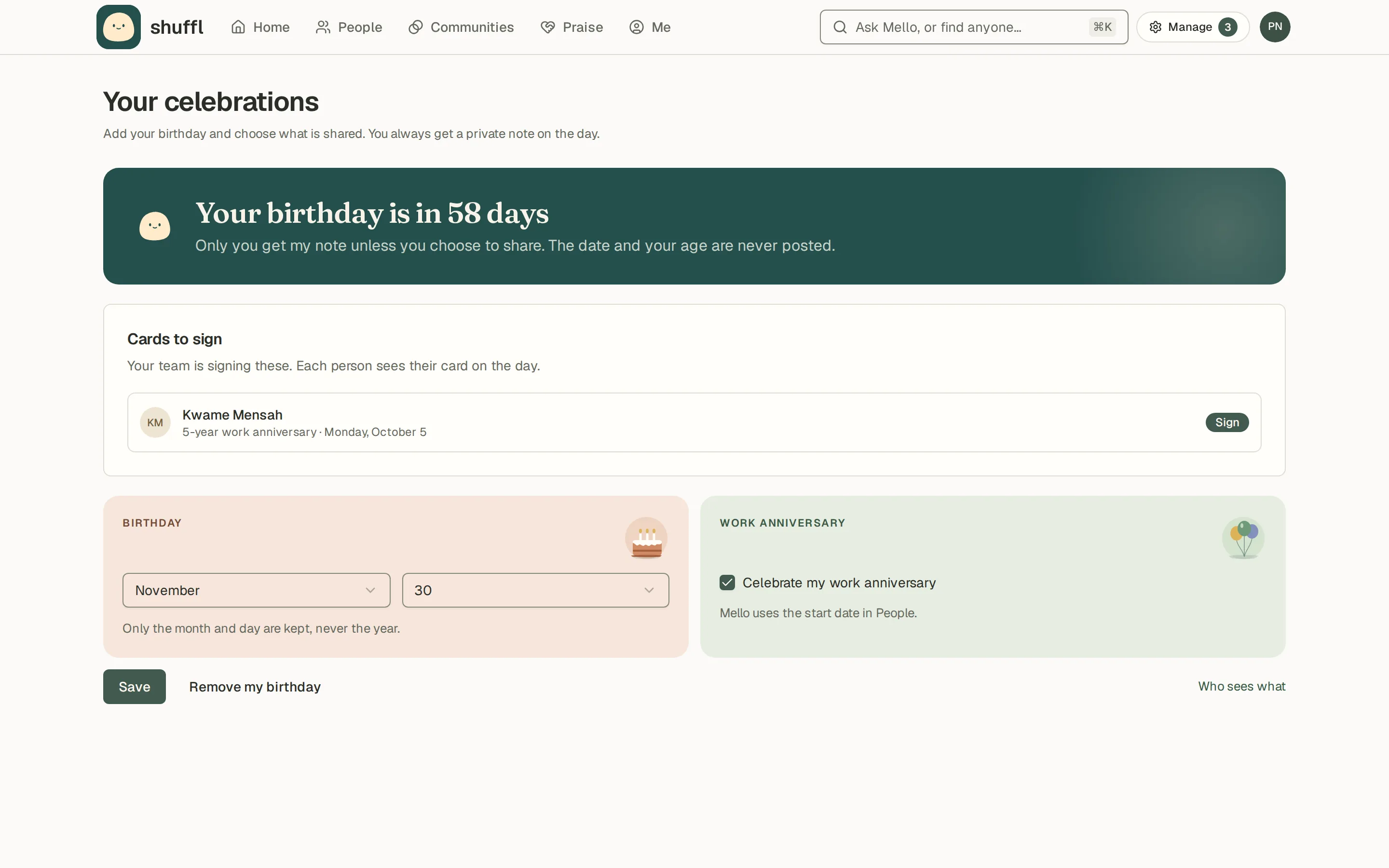
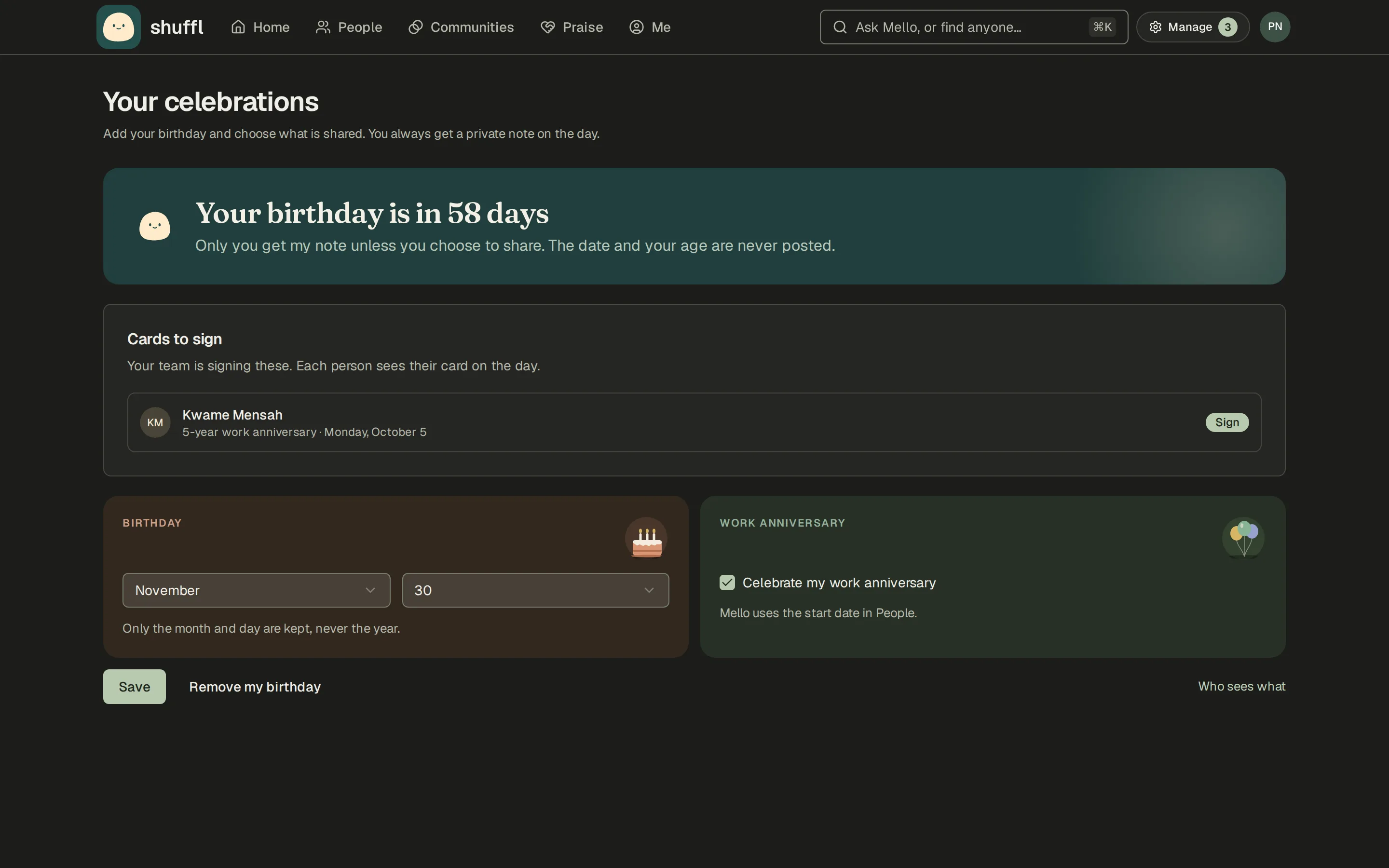
- To add your birthday, open Celebrations from Home, or Me, and enter the month and day. Shuffl never imports a birthday and never asks for the year.
- To stop a celebration, turn it off there. Anything already scheduled for it is cancelled.
Shuffl celebrates two days: your work anniversary, counted from your start date in People, and your birthday, if you add it. Your workspace switches each one on separately.
On the day, Mello sends you a private note in Slack. Without a linked Slack account, you see it as a note in Shuffl instead. Coworkers who know you see your day in their Home feed with a Congratulate button that opens a Slack message to you.
ShufflAPP
ShufflAPP
Who sees what
Your workspace may also post in a Slack channel or message your teammates, but only if you say yes, separately for your anniversary and your birthday.
A week before your first shared day, Mello asks you in a Slack direct message: Share it or Keep it private. Either way, you still get your own note on the day.
You can change your answer any time in Slack, on Shuffl’s Home tab under Your celebrations, or on the web under Celebrations. Saying no cancels any shared message still waiting.
No celebration post or note carries the date or your age; only your manager’s heads-up names the day. A birthday has no year stored at all. An anniversary message can say how many years.
A channel post invites coworkers to reply in its thread to add a note for you.
When you share a day, your manager in People also hears about it a week ahead, so they can send you a note themselves. A day you keep private stays between you and Mello.
Sign a team card
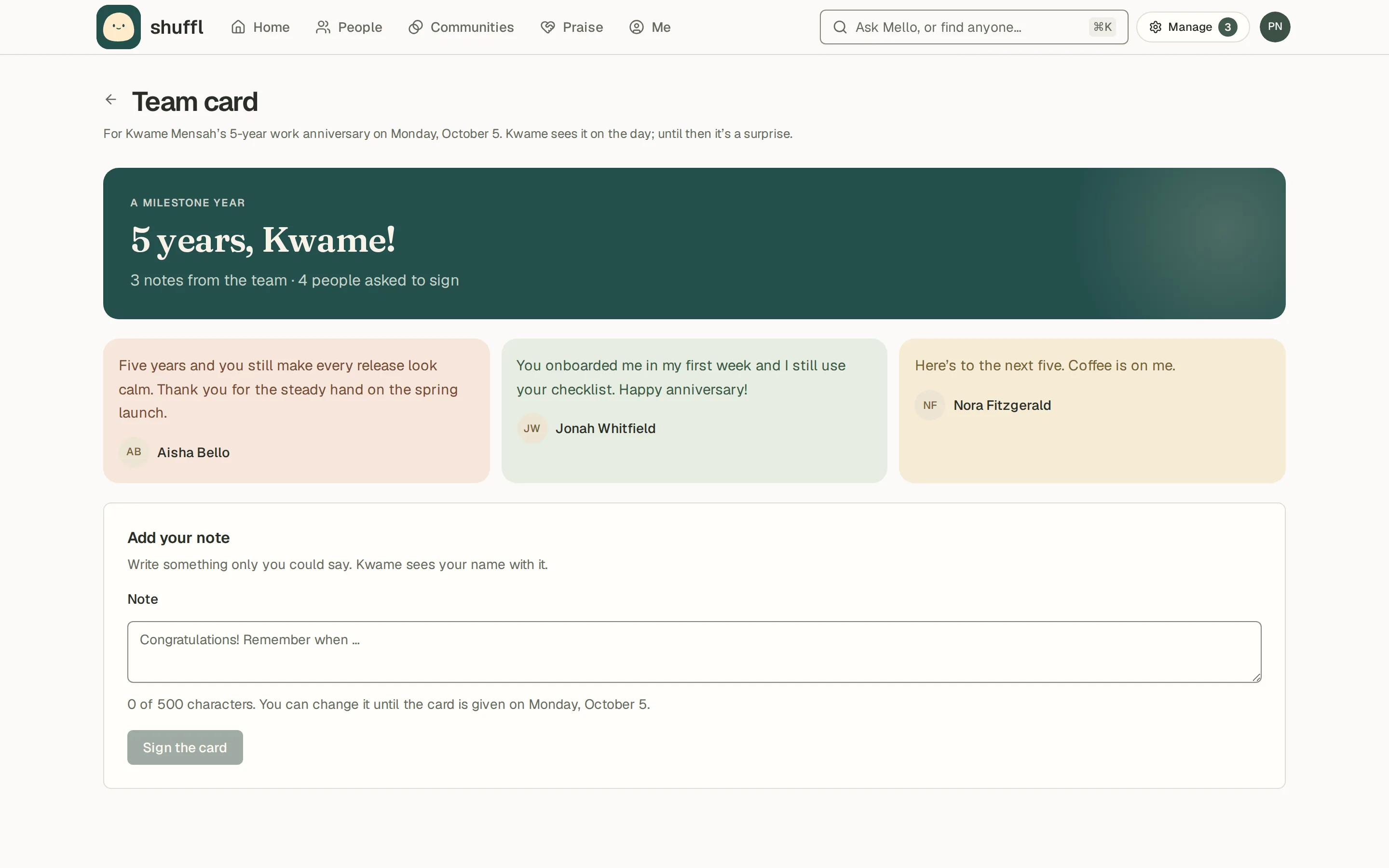
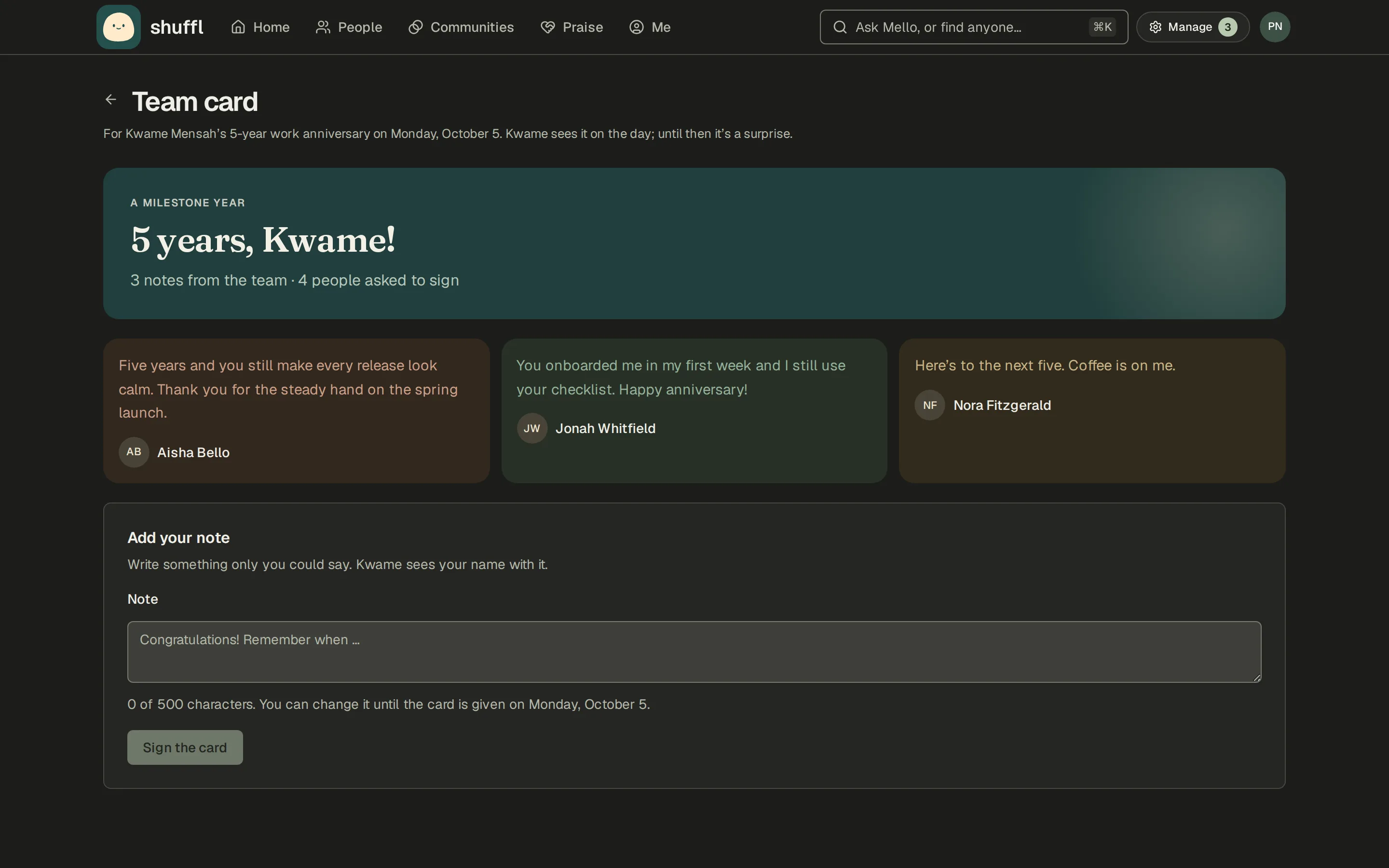
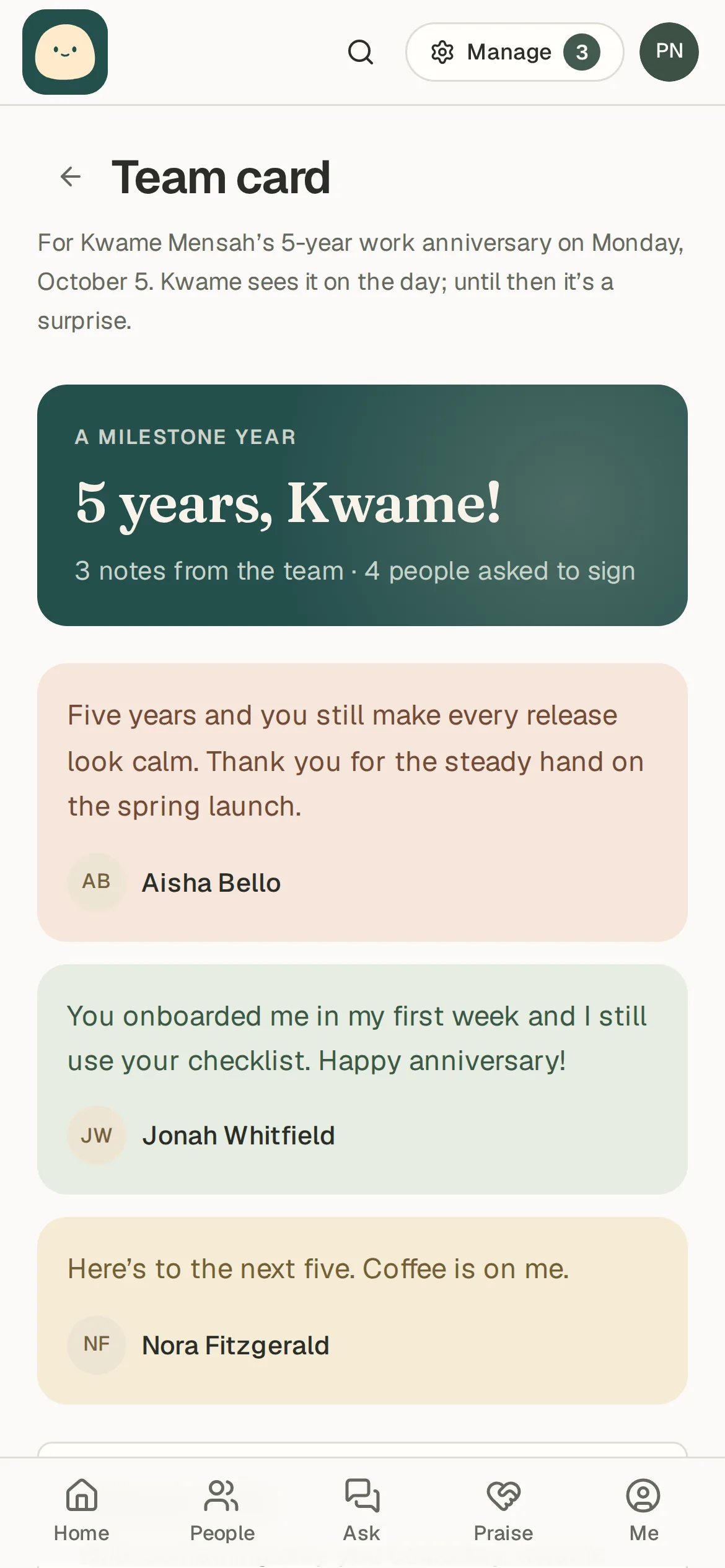
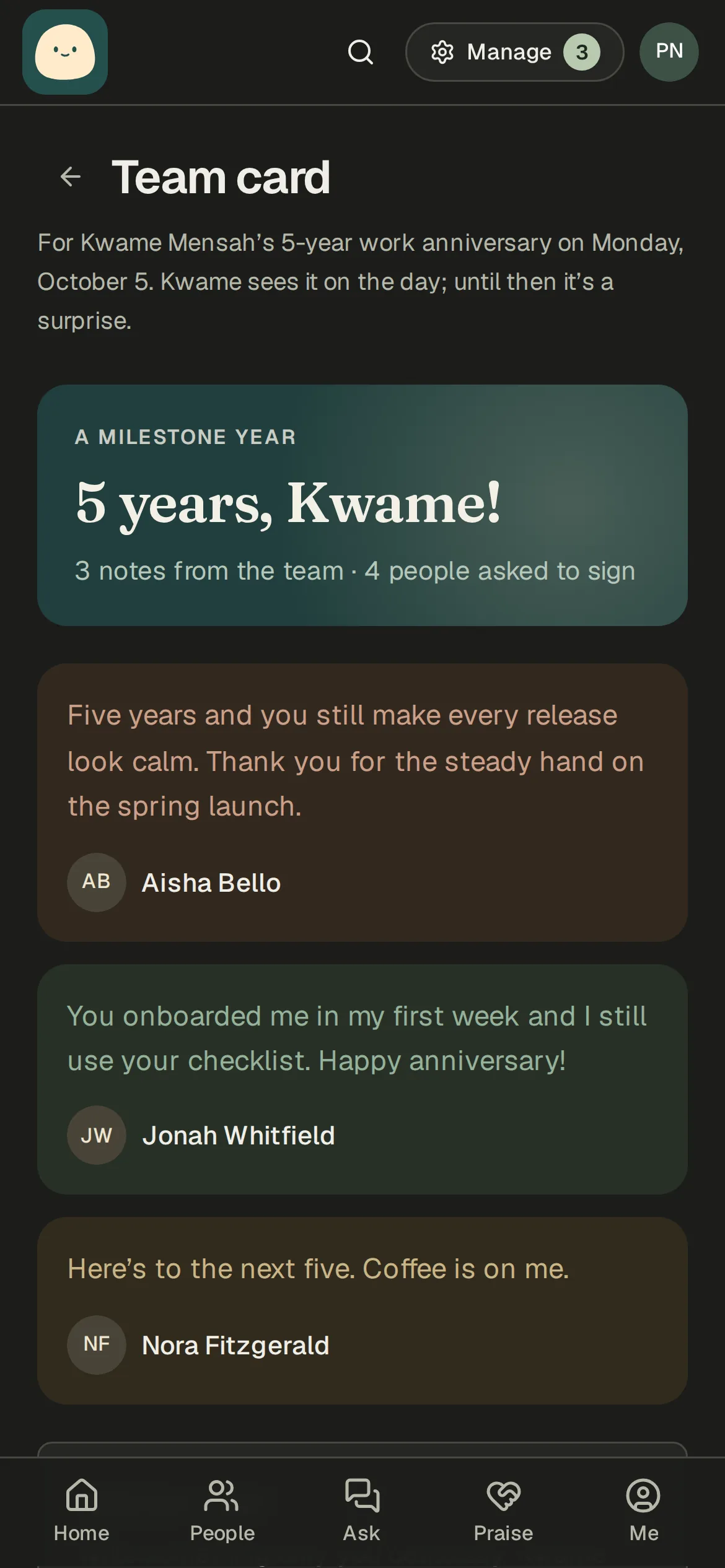
When someone shares their anniversary or birthday, Mello opens a card a week before and asks their teammates and manager to sign it. Each person writes one note, and can change or remove it until the day.
The card is a surprise. The person can’t open it until it is given to them on the day, in a Slack message from Mello and under Your celebrations. A card nobody signed is never sent.
Cards waiting on your note are listed under Cards to sign on Your celebrations.
ShufflAPP
ShufflAPP
For managers
A week before a report’s shared anniversary or birthday, Mello sends their manager a Slack direct message with the day and a note to start from. A first year and every fifth year are called out as milestones.
Mello never posts as you. Send the note yourself on the day, or write it now and use Slack’s Schedule message. Mello still sends its own note.
Nothing goes out for a day the person keeps private, or when People lists no manager for them. If their manager changes before the day, the old manager’s heads-up is not sent.
ShufflAPP
For administrators
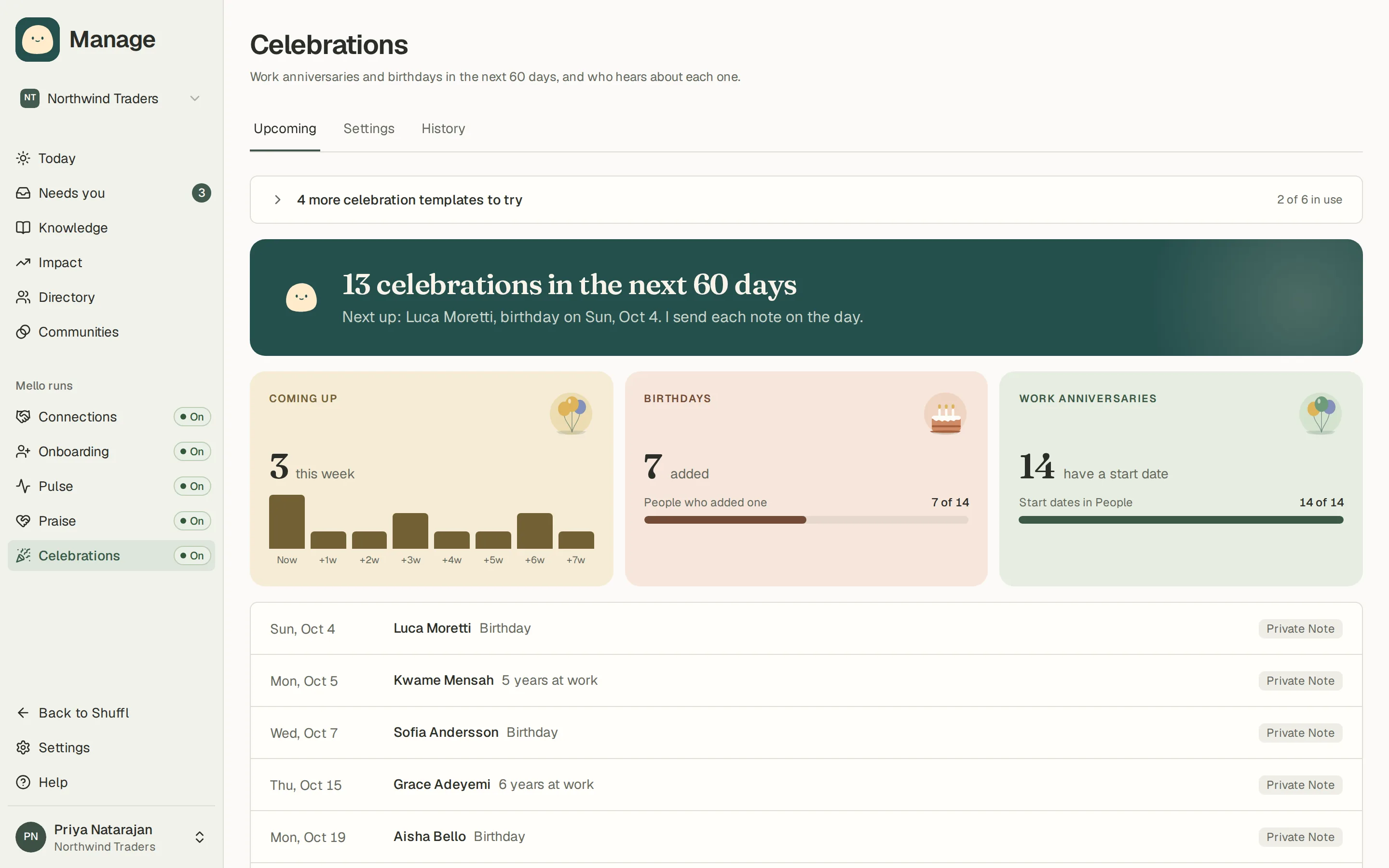
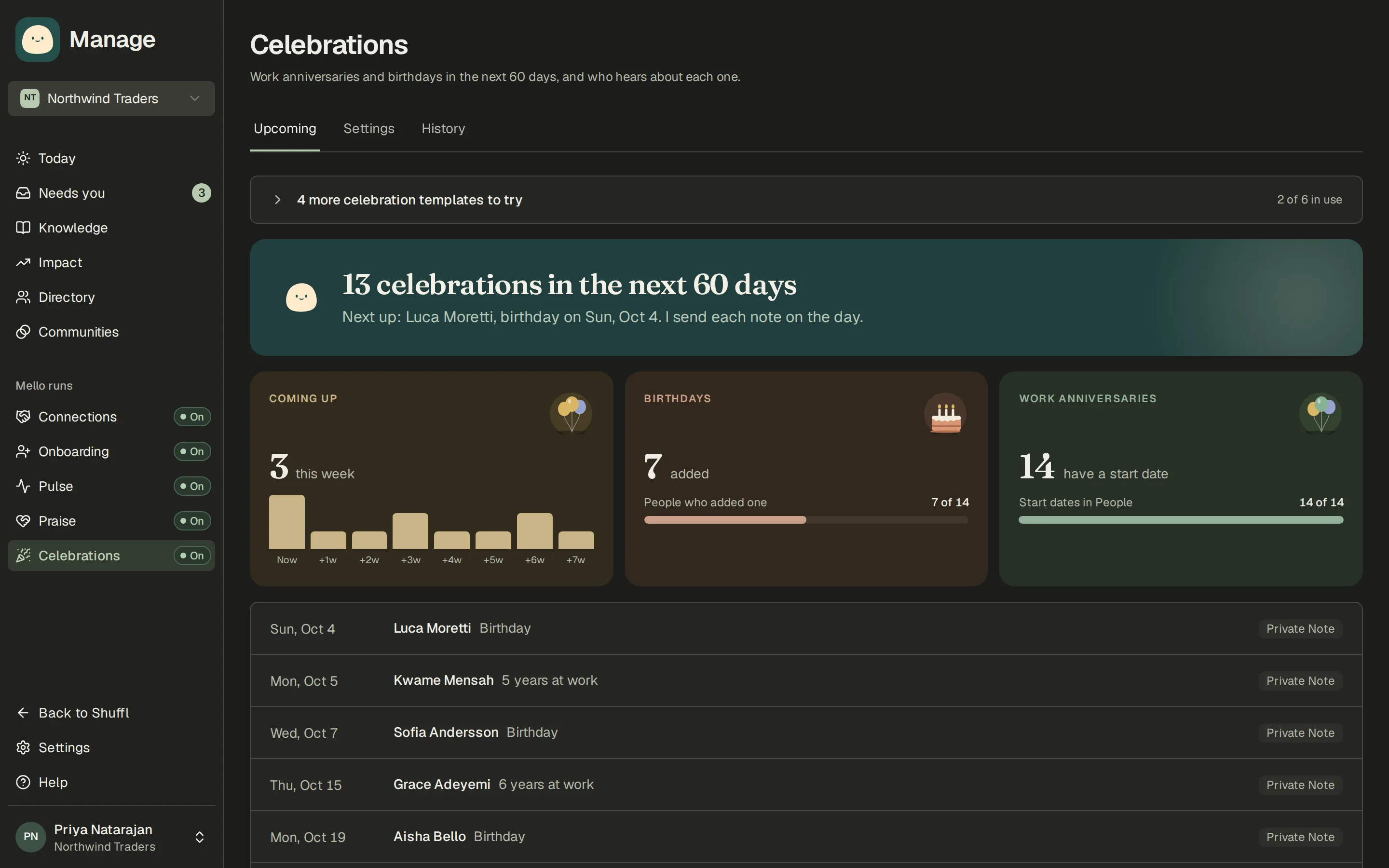
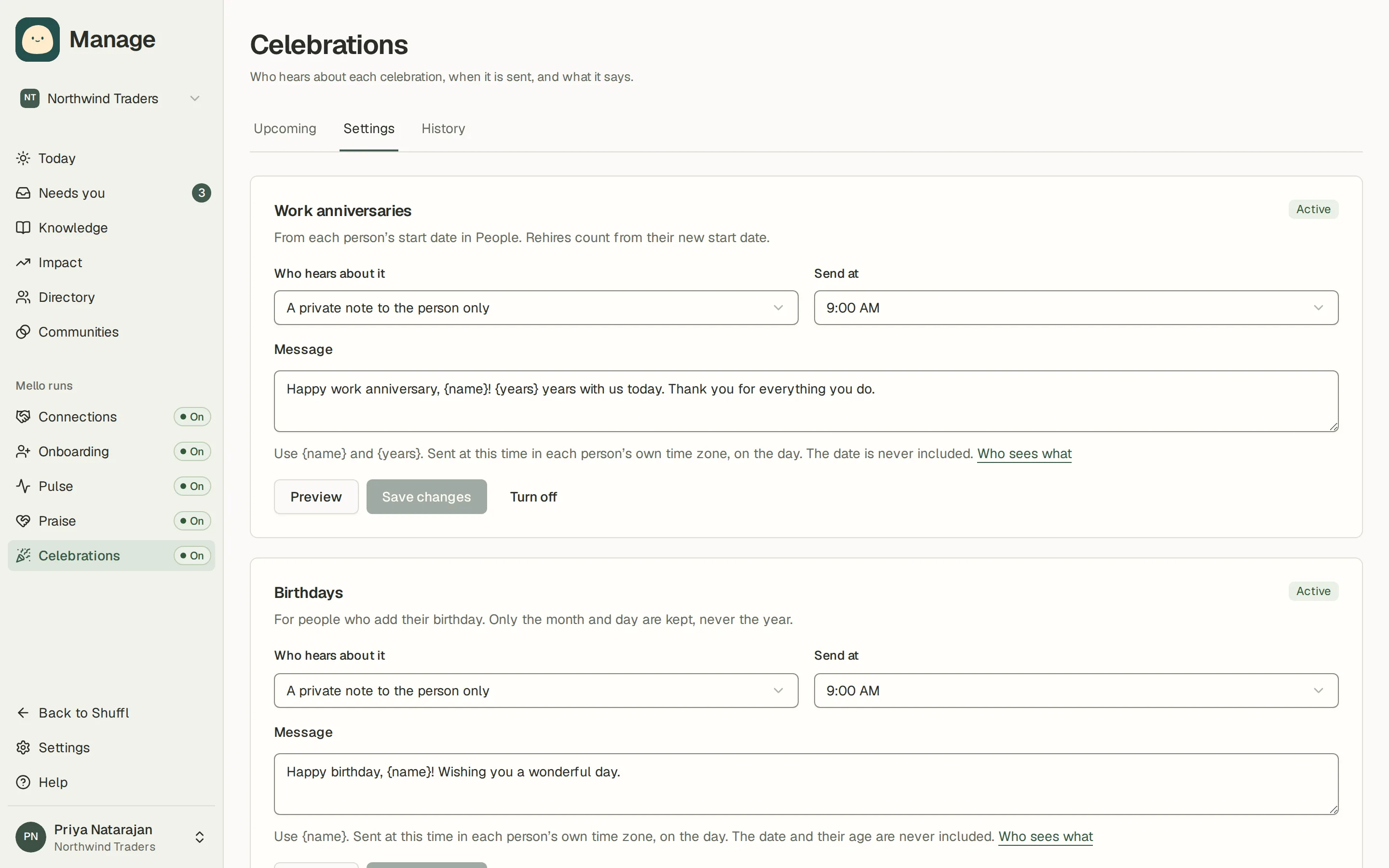
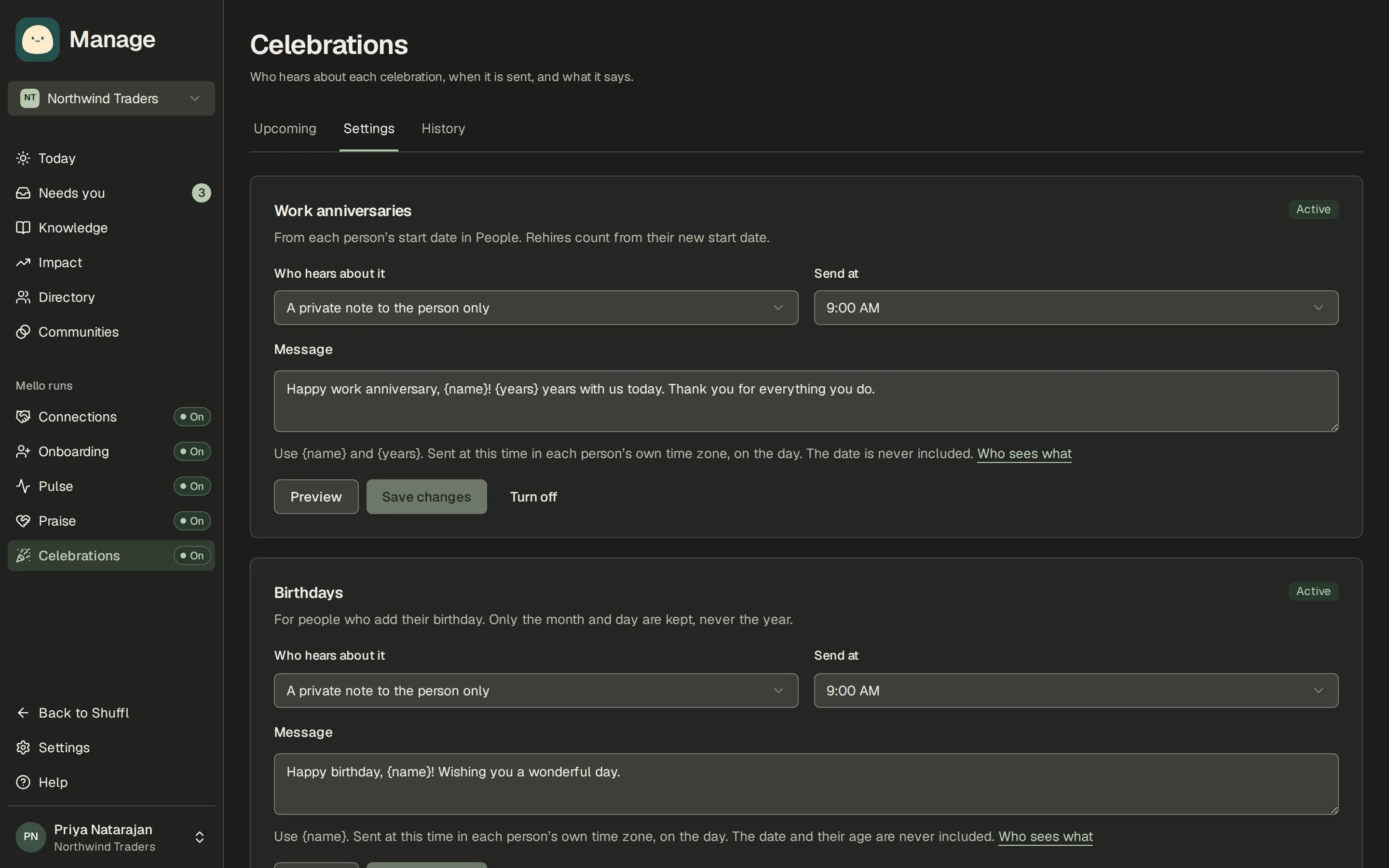
- In Manage, open Celebrations. Upcoming shows the next 60 days and whether each person’s day is shared or private. Settings has one card for work anniversaries and one for birthdays. History lists every message sent or skipped.
- In a new workspace, pick a starter: Work anniversaries in a channel, Birthdays in a channel, Tell the team about anniversaries, or Private anniversary notes. It fills in the settings; nothing is turned on yet.
- Choose who hears about it: a private note to the person only, also a post in a Slack channel you choose, or also a message to each of the person’s teammates.
- Write the message. Use {name} and {years} for anniversaries, and {name} for birthdays.
- Choose the send time. Each message goes out at that time in the person’s own time zone.
- Preview the exact message, then choose Turn on. Save without turning on keeps your edits for later.
When messages are sent
Each message is sent at most once, even if a send is retried. A message that has not gone out by the end of the person’s day is skipped, never sent late.
Turning a celebration off, a person opting out, saying no to sharing or employment ending cancels what was scheduled.
A rehired person’s anniversary counts from their new start date. A February 29 anniversary or birthday is celebrated on February 28 in other years.