
· Shuffl team
How do you answer benefits questions in Slack?
Open enrollment fills your Slack DMs with the same benefits questions. Set up one channel that answers the general ones and keeps personal ones private.
Short answer
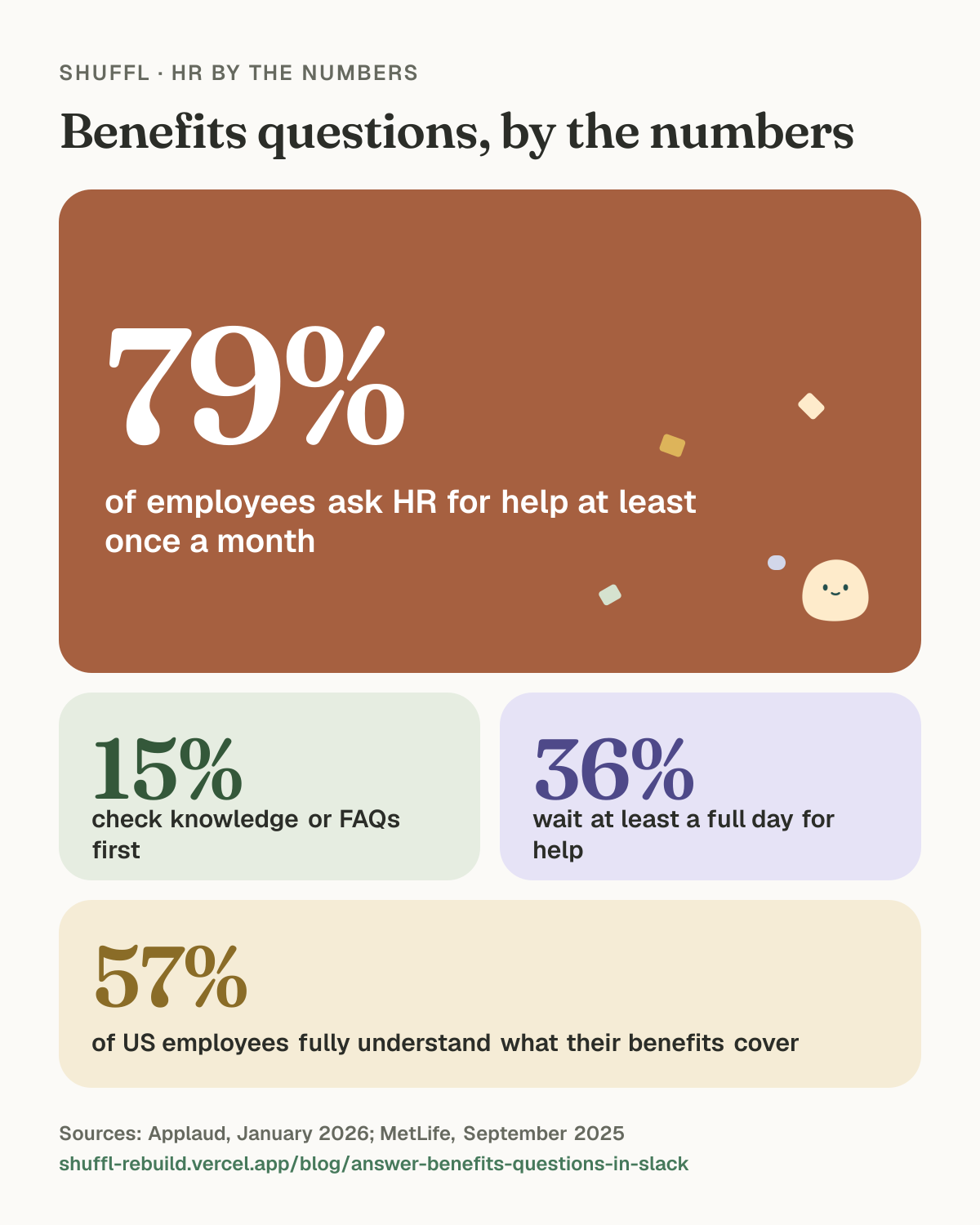
Give general benefits questions one Slack channel, answer them in threads from your current plan guide, and move anything about one person to a private message. In one survey, 79% of employees asked HR for help at least once a month.1 A plan guide worth linking and a clear rule on what stays private do most of the work.
The open enrollment DM pile
It’s the first week of open enrollment. Your Slack DMs say: does the dental plan cover my partner? When’s the deadline? Is the FSA the one that rolls over? You answered all three yesterday, for someone else.
In Applaud’s survey of 1,000 UK employees at organizations with more than 2,000 staff, 79% sought HR help at least once a month, averaging 3.6 HR needs per person per month.1 MetLife found that only 57% of US employees fully understand what their benefits cover.2 So the questions keep coming, and most of them land on the person who answered last time.
Shuffl · HR by the numbers
Benefits questions, by the numbers

Benefits questions, by the numbers. 79% of employees ask HR for help at least once a month (Applaud, January 2026). 15% check knowledge or FAQs first (Applaud, January 2026). 36% wait at least a full day for help (Applaud, January 2026). 57% of US employees fully understand what their benefits cover (MetLife, September 2025).
Why do benefits questions end up in your DMs?
People ask where they already are. In the same Applaud survey, only 26% go to an HR system or portal first, and just 15% use knowledge or FAQs. Another 24% email, phone or message HR directly.1
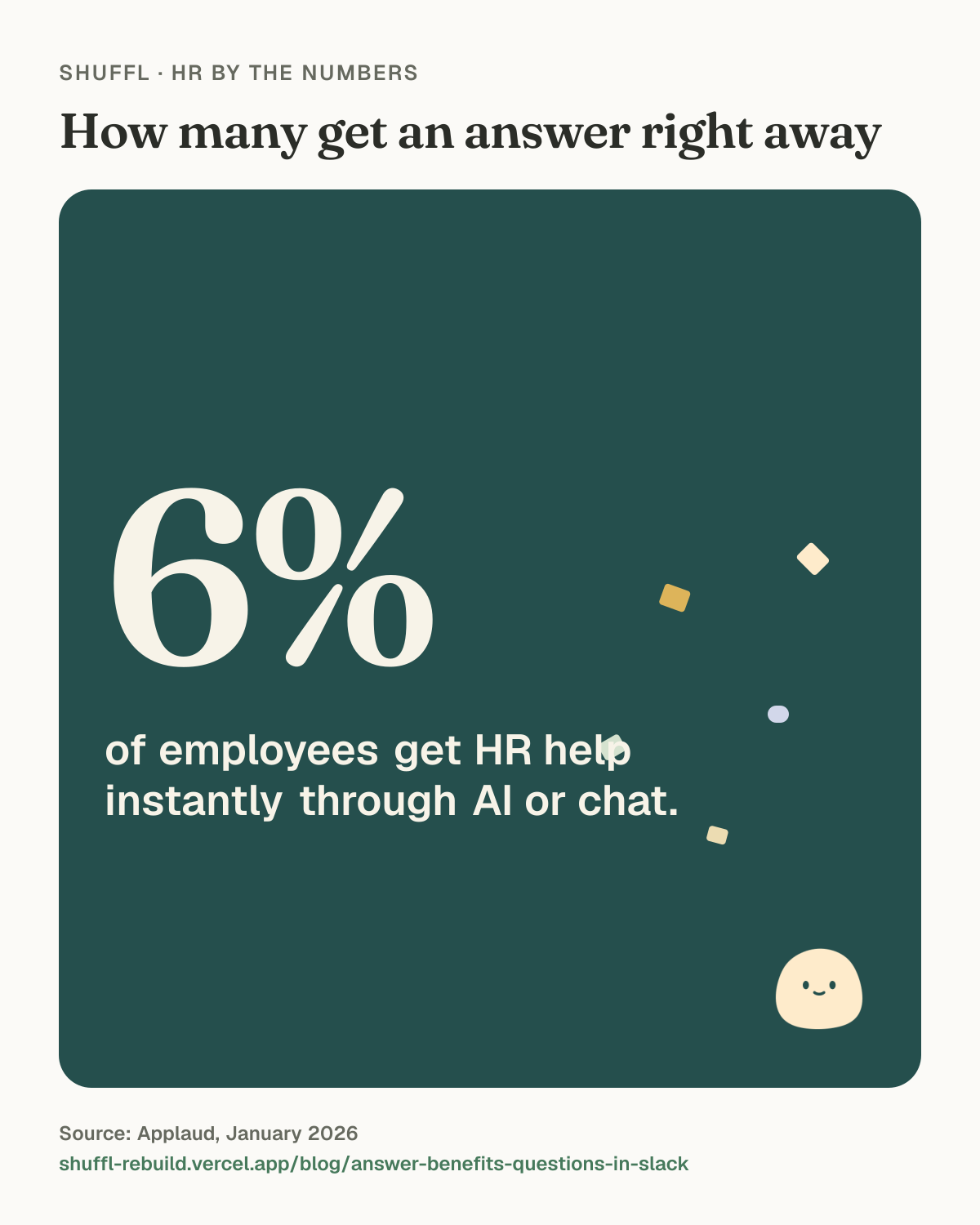
36% wait at least a full day for help, and only 6% get help instantly through AI or chat.1 A benefits question that waits a day during enrollment week often turns into a second message, then a third.
So the plan guide has to show up in Slack, where the questions are already being asked.
Shuffl · HR by the numbers
How many get an answer right away
How many get an answer right away: 6% of employees get HR help instantly through AI or chat.. Source: Applaud, January 2026.
Which benefits questions belong in a channel?
Sort questions by whether the answer is the same for everyone who can read the plan guide.
Those are safe in a channel: when enrollment closes, which plans are on offer, whether the FSA has a carryover, where the provider directory is, what counts as a qualifying life event. One good answer helps the next ten people who scroll past.
Questions about one person stay private: is my claim covered, can I add my new stepson, how much leave do I have left, what happens to my coverage if I go part time. They often carry health or family details, and the answer depends on facts a plan guide doesn’t hold.
If the answer is the same for everyone who can read the plan guide, answer it in the channel. If it’s about one person, take it private.
How do you set up a benefits channel that answers itself?
You need a current plan guide, one channel and a few habits. None of it needs new software.
Shuffl · HR by the numbers
A benefits channel that answers itself
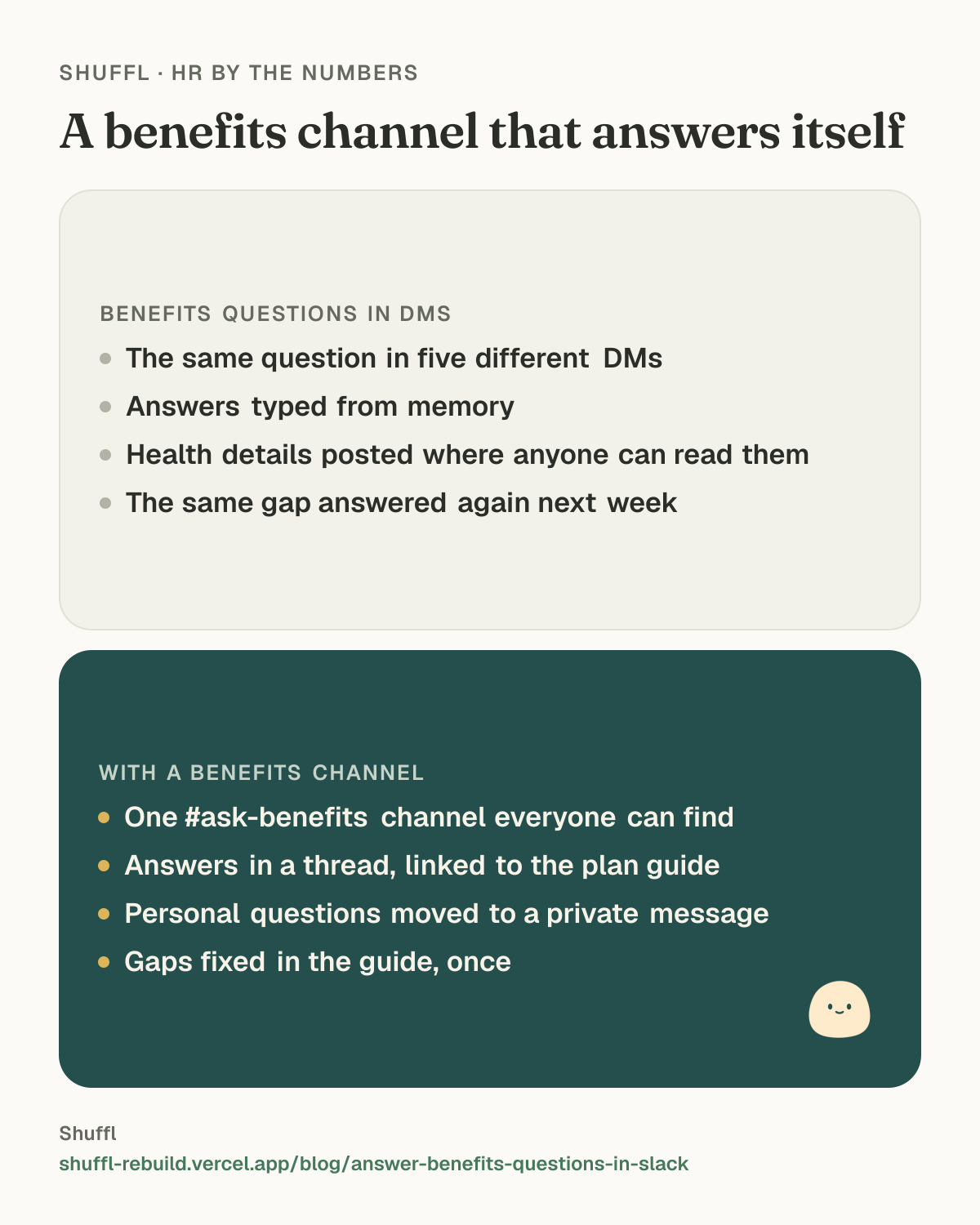
A benefits channel that answers itself. Benefits questions in DMs: The same question in five different DMs; Answers typed from memory; Health details posted where anyone can read them; The same gap answered again next week. With a benefits channel: One #ask-benefits channel everyone can find; Answers in a thread, linked to the plan guide; Personal questions moved to a private message; Gaps fixed in the guide, once.
- Publish this year’s benefits guide in one place, and date it. Take last year’s down the day the new plan year starts.
- Create one channel, such as #ask-benefits, and pin a short note: general questions here, anything about you in a direct message.
- Answer in a thread with a link to the exact section of the guide, so the next person finds both.
- When a personal question shows up, reply that someone will follow up privately, then do it. Don’t answer it in the thread.
- Once a week, look at the questions the guide couldn’t answer, and add the answer to the guide.
What should the plan guide answer?
Your channel is only as good as the page you link to. Most benefits guides are the carrier’s PDF with a cover page, which answers what the plan covers and skips how to get things done here.
Write a short guide of your own on top of the carrier documents. Put the answers people ask for most at the top, and keep the plan details below. When you answer a question in the channel that the guide doesn’t cover, add it the same day. By the second week of enrollment, most answers are a link.
- Key dates: when enrollment opens and closes, and when the new plans start.
- What changed from last year, in plain words, before the plan details.
- Each plan’s name as the carrier writes it, with a link to the carrier’s own summary.
- Who is eligible, and how to add or remove a dependent.
- What counts as a qualifying life event, and how long someone has to report one.
- Who to ask about something personal, and how to reach them privately.
What should happen when a question is personal?
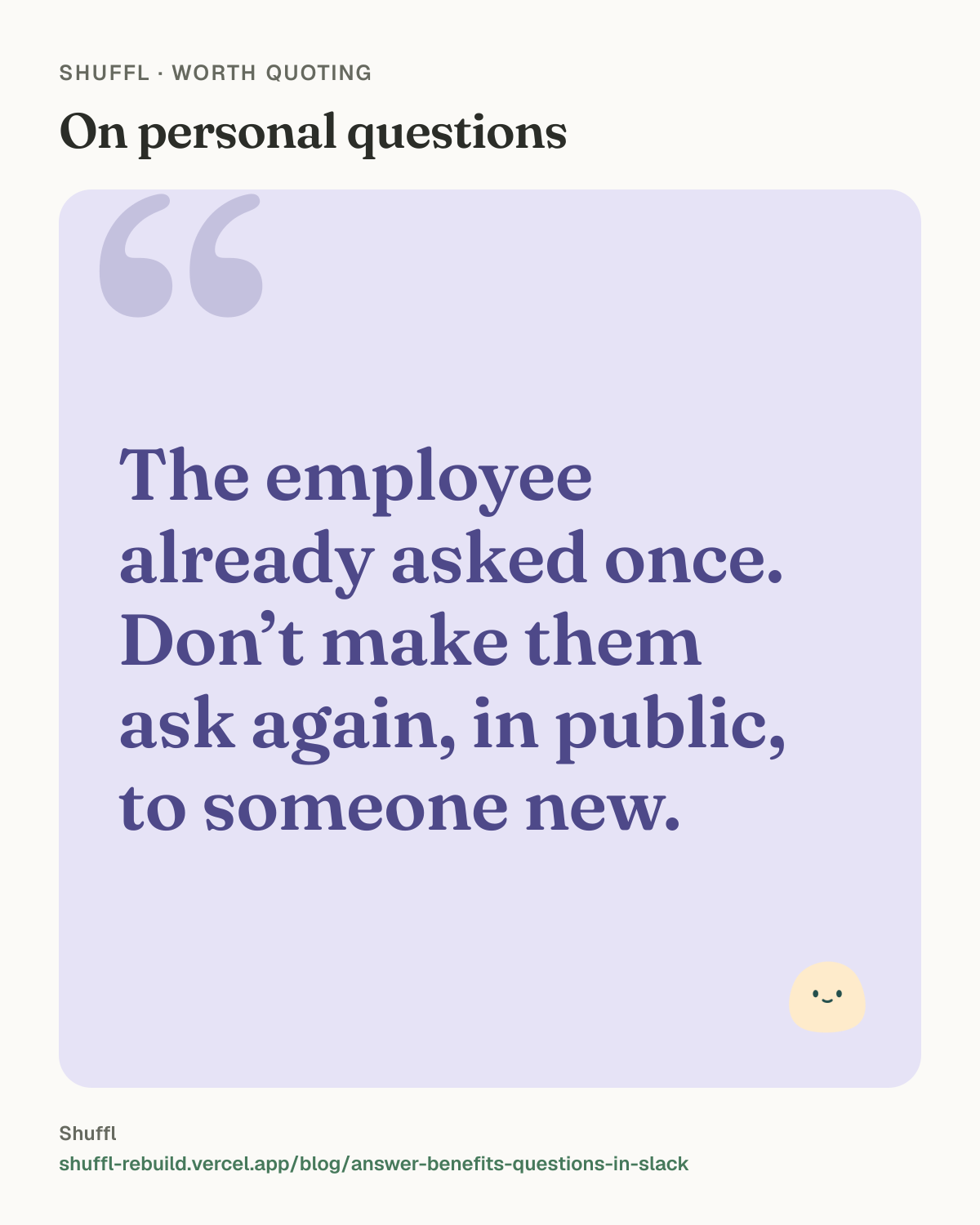
The employee already asked once. A good hand-off keeps what they wrote, so they don’t have to explain their situation again, in public, to someone new.
Move the question to a private place, keep the context they already gave, and say who will see it. That last part matters more during enrollment, when people are sharing diagnoses, pregnancies and family changes to get a straight answer.
Shuffl · Worth quoting
On personal questions
On personal questions: “The employee already asked once. Don’t make them ask again, in public, to someone new.”
How Shuffl handles this
In a channel, employees mention @Shuffl and Mello replies in a thread. In shared channels it answers only from Knowledge published to everyone in the workspace, with links to the sources it used. A question that needs anything personal gets a short reply asking the employee to continue in a direct message.
Every Knowledge source has an effective date and a review date. When the review date passes, employees stop getting answers from that source until someone in HR reviews it, so last year’s plan guide can’t keep answering this year’s questions.
In a direct message, the chat is private, and Shuffl deletes it after 30 days. If your company connected BambooHR, Rippling, HiBob or Deel, Mello reads the employee’s own time-off balance live. When a person needs to help, Mello prepares a message for HR and shows who will receive it, and nothing goes until the employee chooses Send to HR. Knowledge → Insights lists the questions Mello couldn’t answer under Missing guidance, which is your weekly list of what to add to the guide.
Shuffl, Mello included, is free for every team at any size.
ShufflAPP
ShufflAPP
Frequently asked questions
Should benefits questions go in a public Slack channel?
General ones, yes: deadlines, plan names, where the provider directory lives. Anything about one person’s coverage, claims, health or family belongs in a direct message or a private HR request.
How do we stop answering the same benefits question every week?
Write the answer once in the current benefits guide and reply with a link to that passage. If the question keeps coming back, improve that passage until the link answers it.
Can an AI assistant answer benefits questions in Slack?
Only from your own plan documents, and only while they are current. Your carrier’s guide for last plan year is wrong this year, so give every benefits document a review date that matches your plan year.
What if someone posts a personal benefits question in the channel?
Thank them, tell them a person will pick it up privately, and move it to a direct message or an HR request. Don’t answer it in the thread, even if you know the answer.
Sources
- Applaud, 2026 State of HR Service report, January 2026. Censuswide survey of 1,000 UK employees at organizations with 2,000+ staff, late 2025.
- MetLife, 23rd Annual U.S. Employee Benefit Trends Study, September 2025. 2,500 full-time US employees aged 21 and over, fielded June–July 2025 by Strat7.